Brisk is for English Teachers of all grade levels

Elementary School
Engage younger students with presentations and brainstorm games for teaching lesson content. Easily change the reading level of articles to make them accessible to your students.
High School
Craft lesson plans, discussion prompts, and writing activities to support critical thinking and literary understanding. Create rubrics and grade student essays in just a few clicks.
Middle School
Create the daily agenda, classroom newsletter, introductory slides for new lessons, and pre- and post-assessments on any topic. Give personalized feedback on student writing assignments.
University
Prepare plans for your lectures, generate presentation slides, and create writing and discussion prompts. Write customized letters of recommendation in seconds.

How English Teachers are using Brisk's AI tools

Brisk gives you tools to return high-quality feedback on assignments the same day — saving hours without lowering the bar.

Create Rubrics

Craft a cohesive rubric to assess multiple student choice projects in seconds.

How to: Open a new Google doc and click on Brisk. Click Create, then Rubric. Include your rubric criteria, then click Brisk It!

Give Feedback

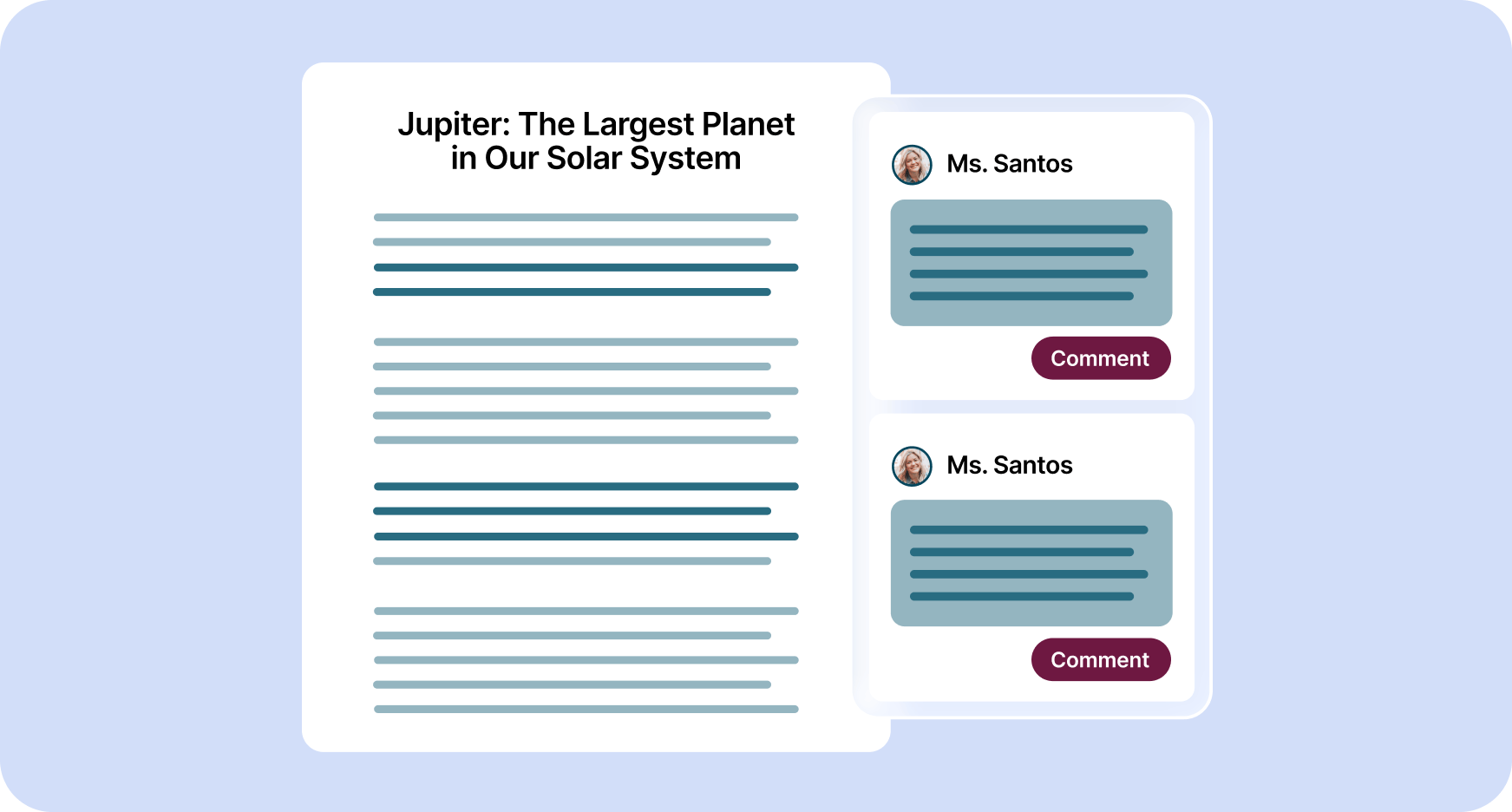
Provide personalized essay feedback in your preferred style directly in students’ Google Docs.

How to:
Open a student’s Google doc and click on Brisk.

Click Give Feedback, choose your feedback style, and attach your rubric if you want. Then click Brisk It!

Create Lessons

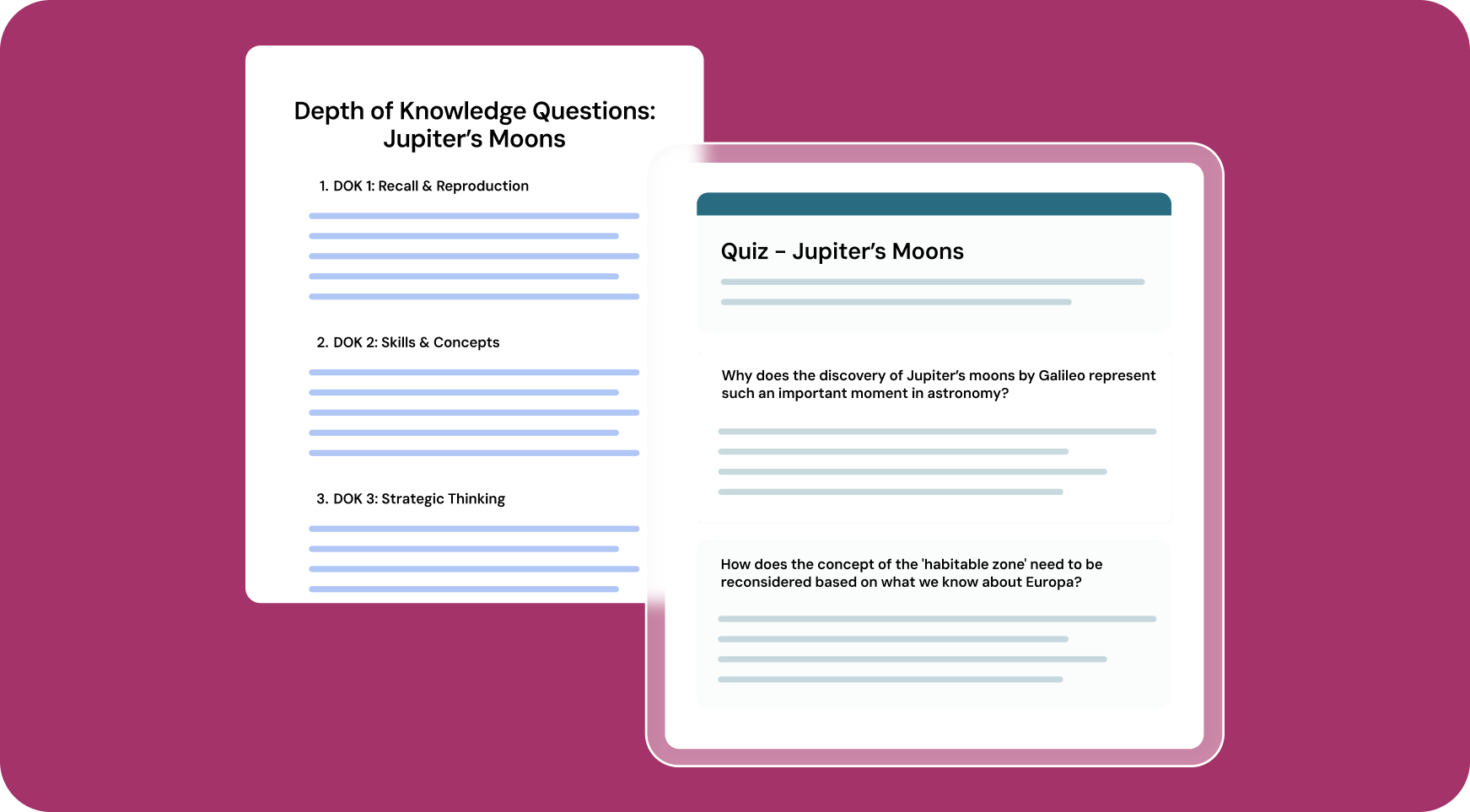
Generate customized lesson plans based on any article, video, PDF, or document.

How to: Open your chosen media and click on Brisk. Click Create, then Lesson Plan.

Alternatively, you could choose Change Level to level the text. Then click Brisk It!

Inspect Writing

Understand students’ writing processes with a video playback of their document creation from start to finish.

How to: Open a student’s Google doc and click on Brisk.

Click Inspect Writing to watch a replay of how the document was created. Click the magnifying glass to see how likely AI was used in the writing process.

All Brisk AI tools for English Teachers

Targeted Feedback Generator
Create personalized comments in any student's Google Doc.
AI Rubric Generator
Create clear rubrics in moments to outline assessment criteria and expectations.
Presentation Maker
Craft Google Slides presentations from any idea, article, website, or video.
Text Leveler
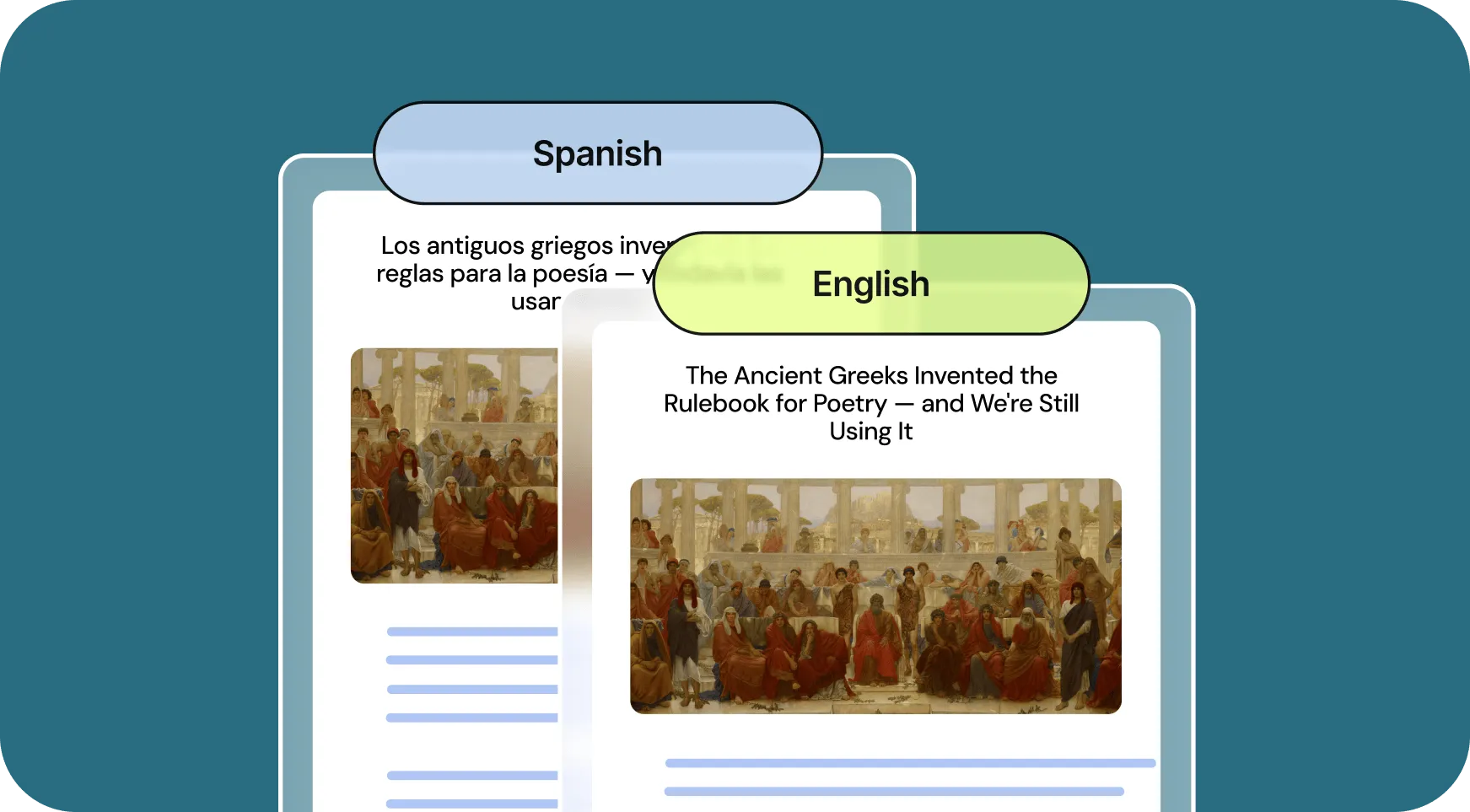
Adjust text levels instantly to match student reading abilities.
Lesson Plan Generator
Create comprehensive lesson plans to guide your teaching.
Inspect Writing Tool
Brisk has reimagined student writing analysis. You can understand how students revised their work in two ways.
Letter of Recommendation Generator
Generate personalized letters of recommendation to highlight students' strengths and accomplishments.
As a Language Arts teacher, one of the hardest parts of my job is providing enough meaningful feedback for my students. Brisk has allowed me to provide way more specific and actionable feedback for my students. It has also helped me to see more elements of quality that I had previously overlooked in my students' work.

Looking for another use case?

From phonics to physics, Brisk helps every teacher support every student. See how Brisk shows up for every subject, grade, classroom, and district.

English teachers, lighten your day with Brisk

Brisk's AI tools help ELA teachers do more in less time - from feedback to lesson creation. Get started with Brisk today.