

A barrier to adoption has been that so many tools compete with the curriculum. THIS is exactly what is needed. A curriculum partner.
AI that understands your curriculum and priorities
Brisk Intelligence delivers AI that uses your adopted curriculum and instructional philosophy as a starting point for everything it creates. That means your district priorities actually shape learning in every classroom, every day.
Speak with us
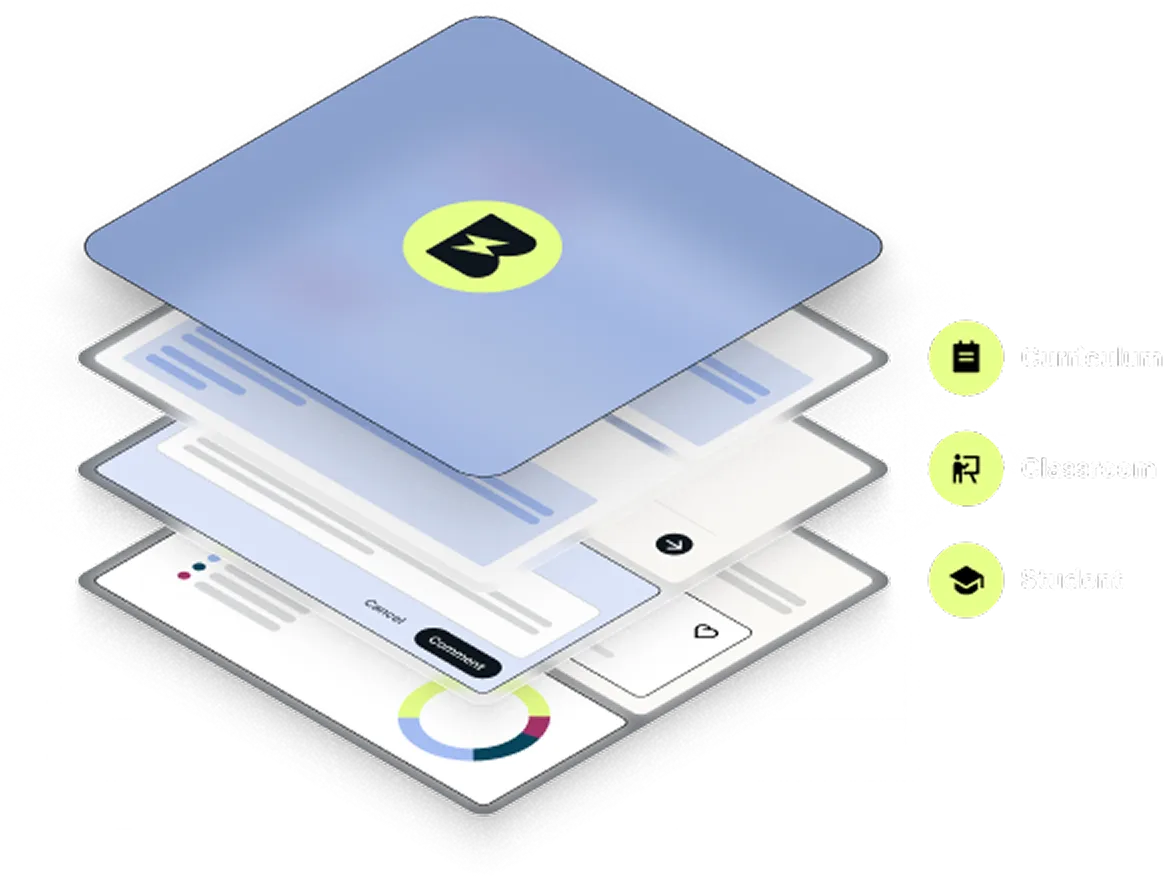
.svg)
Built for your district, not every district
To stay aligned with your curriculum, teachers must adapt everything they create with AI by hand. That’s not efficient — nor particularly effective.
The Brisk Intelligence plan reimagines this reality. Teachers get resources that reflect what they need to be teaching. Leaders get visibility into how curriculum is being applied across classrooms.
Speak with us
Curriculum Intelligence
Inject your curriculum into Brisk resources
Drive curriculum fidelity across your district by giving teachers tools that automatically align their resources with your scope, sequence, and pacing.
.png)
District Guidance
Bring your instructional philosophy to life
Use what matters to your district — pedagogical frameworks, Portrait of a Learner competencies, priority standards — to give structure to teachers’ AI usage. Set guidance at the district, course, or school level.
.png)
District Library
Curate collections of approved resources
Promote instructional consistency by building bundles of lesson-specific resources based on pre-existing materials or Brisk’s smart recommendations.
.png)
One vision for all the moving pieces
Take a clear, comprehensive approach to AI in your district.

Alignment across tools
Brisk works where teachers already work — Google and Microsoft Docs, YouTube, LLMs, websites — bringing the entire internet in line with your curriculum and priorities.

Visibility into AI usage
The administrator dashboard provides full visibility into how teachers are using Brisk’s tools to create instructional resources that fit within your scope, sequence, and pacing.

Strategic AI guardrails
Brisk gives leaders the power to proactively shape teachers’ AI usage by setting guardrails that align with district policies, simplifying compliance and AI governance.
Speak with us
Getting started with Brisk Intelligence


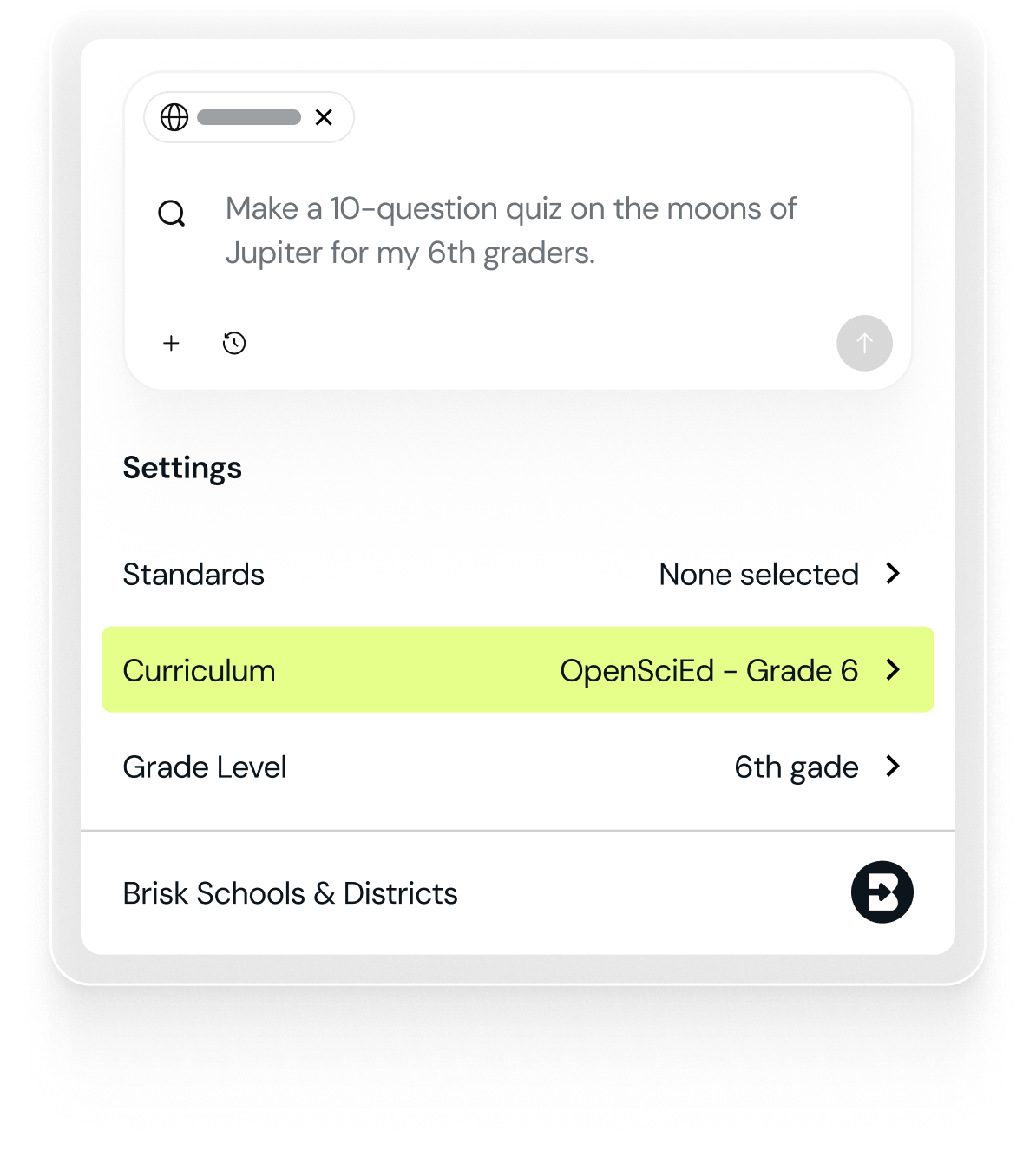
Brisk Ready Curriculum
Brisk Ready Curricula align to all major curricula for ELA, Math, Science, and Social Studies. These options are ready on day one, no district setup required.

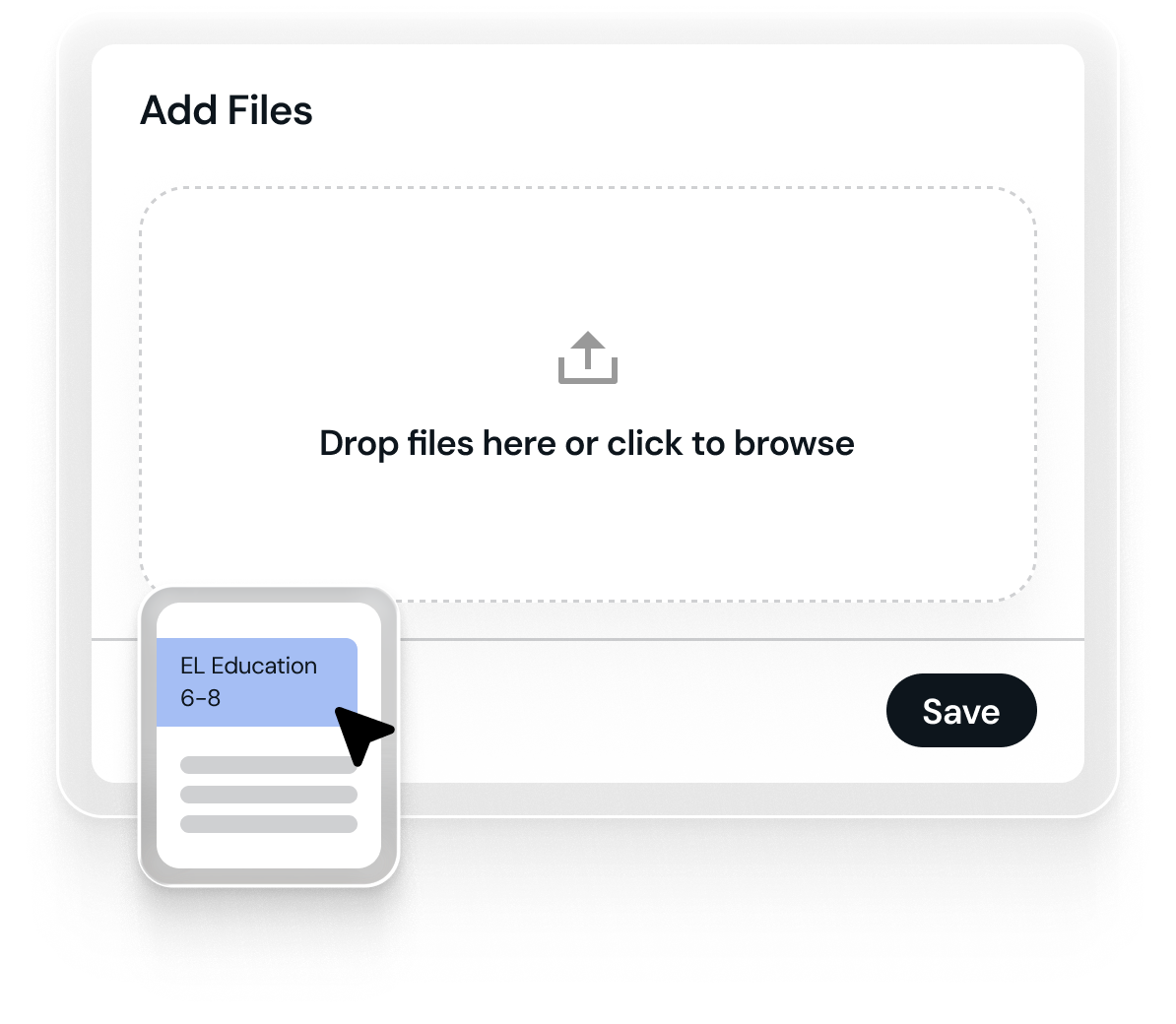
Custom curriculum upload
Upload materials directly into Brisk as PDFs, Google Drive files, or OneDrive files, just like you’d store and distribute curriculum through your LMS.
Trusted by 2,000,000+ educators. 10,000+ districts.










Already have a Brisk account?