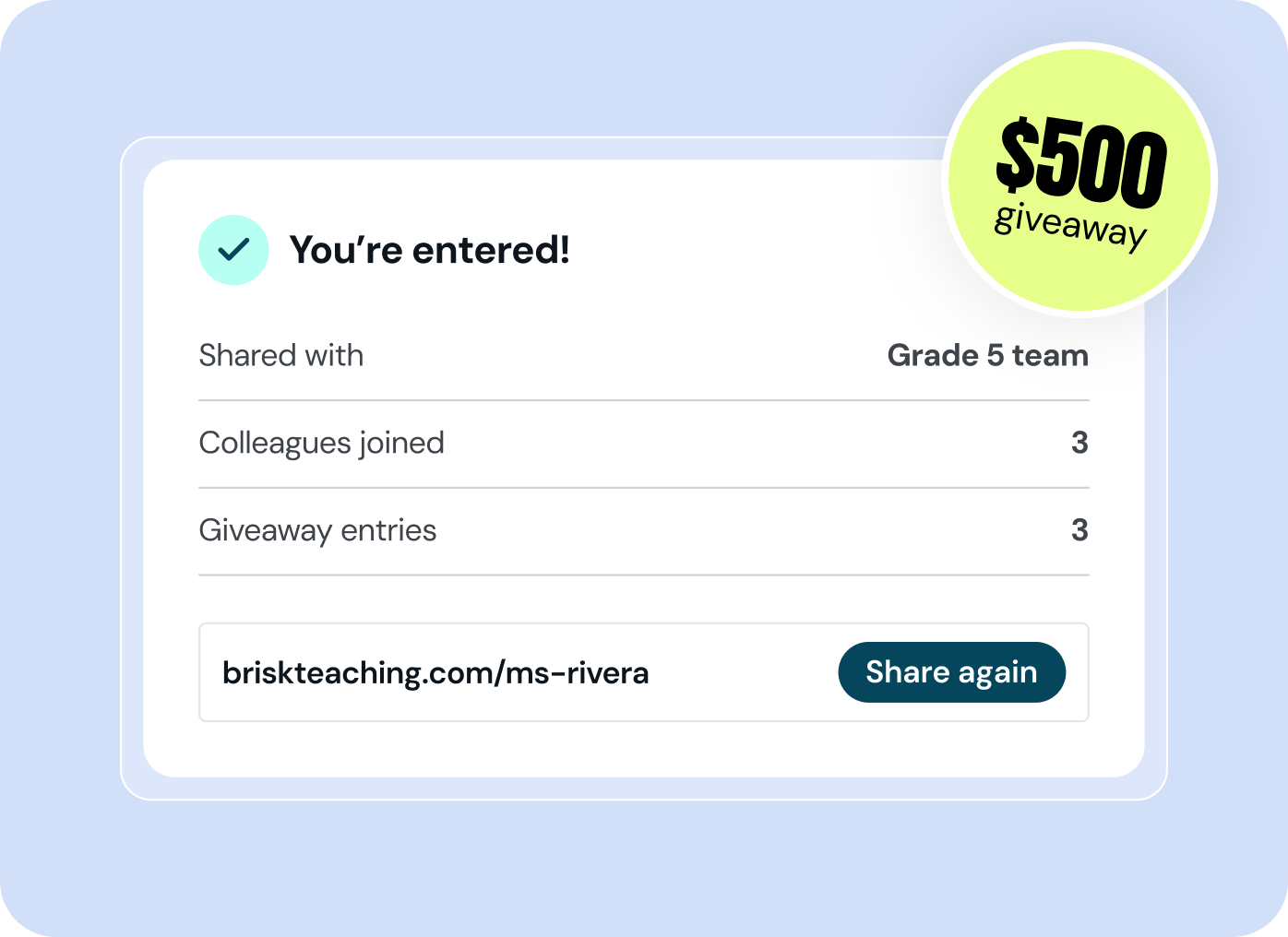
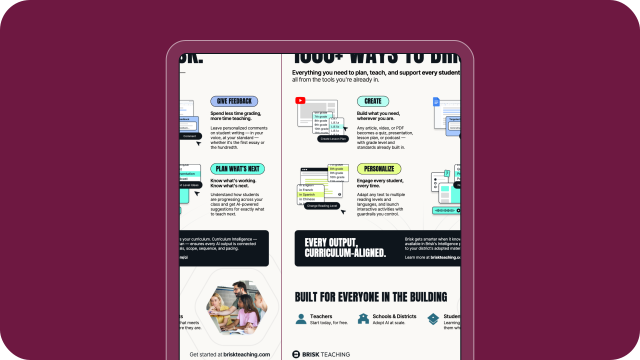
🎉 Lead PD this back-to-school season. Win up to $500.

Brisk Professional Development

Whether you're just getting started or building on what you know, find the right resource for where you are.

New to Brisk? Sign up in seconds to try these workflows.

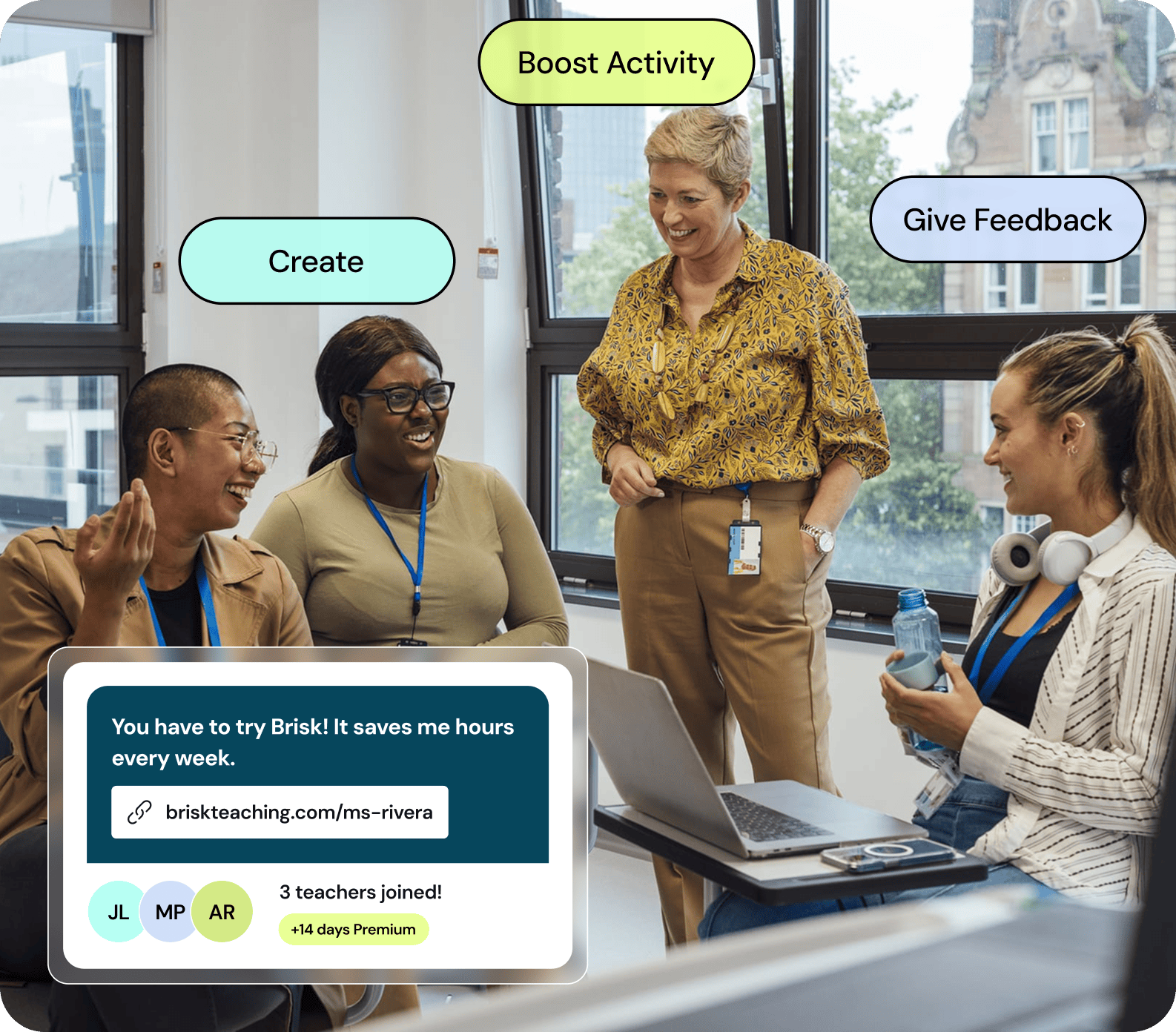
Four educators collaborating around laptops in a bright meeting room during a Brisk PD session

Start Here

Your first Brisk win

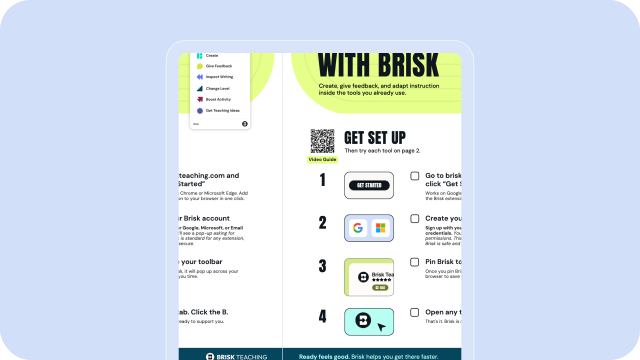
Just getting started with Brisk? Set yourself up in three easy steps, then begin with a guided classroom workflow designed to give you a fast, meaningful win.

Facilitate Brisk learning

Ready to support others? Use these resources to support workshops, coaching, or team learning.

1

Grab the PD deck

A fully designed, customizable deck that makes it easy to lead a Brisk PD session.

2

Get your complete PD kit

Checklists, decks, email templates, social graphics, and printables — everything you need to share and lead a Brisk PD session.

3

Share what's new

A ready-to-use deck with Brisk's latest features and updates. Perfect for a quick staff meeting or follow-up session.

1

Install the Extension

Add Brisk to your browser

Brisk is a Chrome or Edge extension. Once installed, the Brisk B appears on the side of your screen — ready whenever you are.

Brisk Tea logo with a 4.5 star rating and an Add button featuring a plus icon.

Add the extension

Install Brisk from the Chrome Web Store or Edge Add-ons. Works in any Chromium-based browser.

Cursor pointing at a black puzzle piece icon inside a white rounded square on a purple background.

Pin it to your toolbar

Click the puzzle piece icon in your browser toolbar, find Brisk, and hit the pin icon. That way it's always visible — no hunting for it.

Buttons showing Google and Microsoft logos on a blue rounded background

Sign in with Google or Microsoft

Click the Brisk B and sign in. Everything you create saves straight to your Drive or OneDrive — it's yours from day one.

Blocked on your school network? Share this IT guide with your tech team — they can whitelist Brisk in about five minutes.

Menu with options: Create lessons, Give Feedback, Inspect Writing, Change Level, Boost Activity, Get Teaching Ideas.

Open it wherever you are

Brisk will automatically appear in the bottom right corner of popular platforms like Google Docs, Word Docs, Google Slides, Microsoft Powerpoint, web articles, YouTube, PDFs, and more. Click the Brisk icon to start creating wherever you are.

2

Bookmark

Bookmark your home base

Extensions get pinned in your browser bar and webpages get bookmarked. Now that you've pinned your extension, time to add a bookmark!

The extension handles in-the-moment work. app.briskteaching.com is where you plan, review, and build at scale. Bookmark it now so you can get back fast.

Browser window showing app.briskteaching.com with prompt: What are you teaching next? and input for curriculum details.
3

Try It

Pick your first move

Less than two minutes. Something you can actually use tomorrow. Pick what fits your week.

Central black and white logo surrounded by Google Docs, YouTube, PowerPoint, and Google Classroom icons.
Most popular

Turn a resource into something teachable

Open any YouTube video, article, or PDF. Click the Brisk B. Hit Create. Quiz, slides, discussion questions — done in seconds.

Digital comment box titled 'Comment Suggestion' with feedback about strengthening paragraph with specific textual evidence.

Give feedback without burning out

Open a Google Doc with student writing. Click the Brisk B. Personalized comments appear in your name, ready to review before posting.

Screenshot of a 19th-century history text about the Battle of the Alamo with grades Spanish, 6th Grade, 7th Grade.

Level a reading for your whole class

Open any article. Click the Brisk B. Hit Change Level. Get up to three reading levels in the time it takes to make coffee.

4

Professional Development to Go Deeper

There's a lot more in here

Over 1,000 ways to support teaching and learning. Once you've jumped in, Brisk becomes part of your daily routine.

Text reading 'BRISK BITES BITE-SIZED BRISK PD' with a photo of a smiling woman with long blonde hair.

Watch tutorials at your own pace

Short videos for every Brisk feature, in the order that makes sense.

Prompt library examples

Explore the prompt library

Hundreds of teacher-tested prompts organized by subject, grade, and use case.

Site dashboard with usage breakdown pie chart and graph showing feature use trends over time.

Get your school started

Admin controls, usage insights, and PD at scale — for your principal or district.

Video thumbnail with text 'AI at the center, equity at the core' and photos of three women.

Join a live walkthrough

45 minutes, hands on, with a real Brisk educator. Leave with something ready to use.

Diverse group of adults smiling and engaged in a discussion at a meeting or workshop.

Join the community

A space where Brisk educators share what's working in their classrooms.

Two text boxes with feedback: one from Boost about adding details, one from Jordan M. about adding examples.

Try Brisk Boost for students

AI-powered student experiences — built by you, grounded in the content you assigned.

Build and demonstrate your expertise

Earn certifications that expand your professional development and deepen your Brisk skills.

Brisk AI Professional Level 1 certification badge with a mint ribbon

Level 1

Learn the basics — Create, Give Feedback, Change Level, and more. Perfect for your first week with Brisk.

Brisk AI Professional Level 2 certification badge with a lavender ribbon

Level 2

Go deeper with Inspect Writing, Boost, and advanced workflows that save hours every week.

Brisk AI Professional Level 3 certification badge with a lime ribbon

Level 3

Coming soon — Curriculum Intelligence, district-wide implementation, and leadership-level AI strategy.

Learn from educators at the forefront of AI

Whether you're getting started with Brisk or looking to build out your institution's AI policy, learn from experts to support confident decision-making and continued professional growth.

Brisk webinar thumbnail with a presenter portrait

Getting Started with Brisk: A Live Interactive Workshop
Brisk webinar thumbnail with a presenter portrait

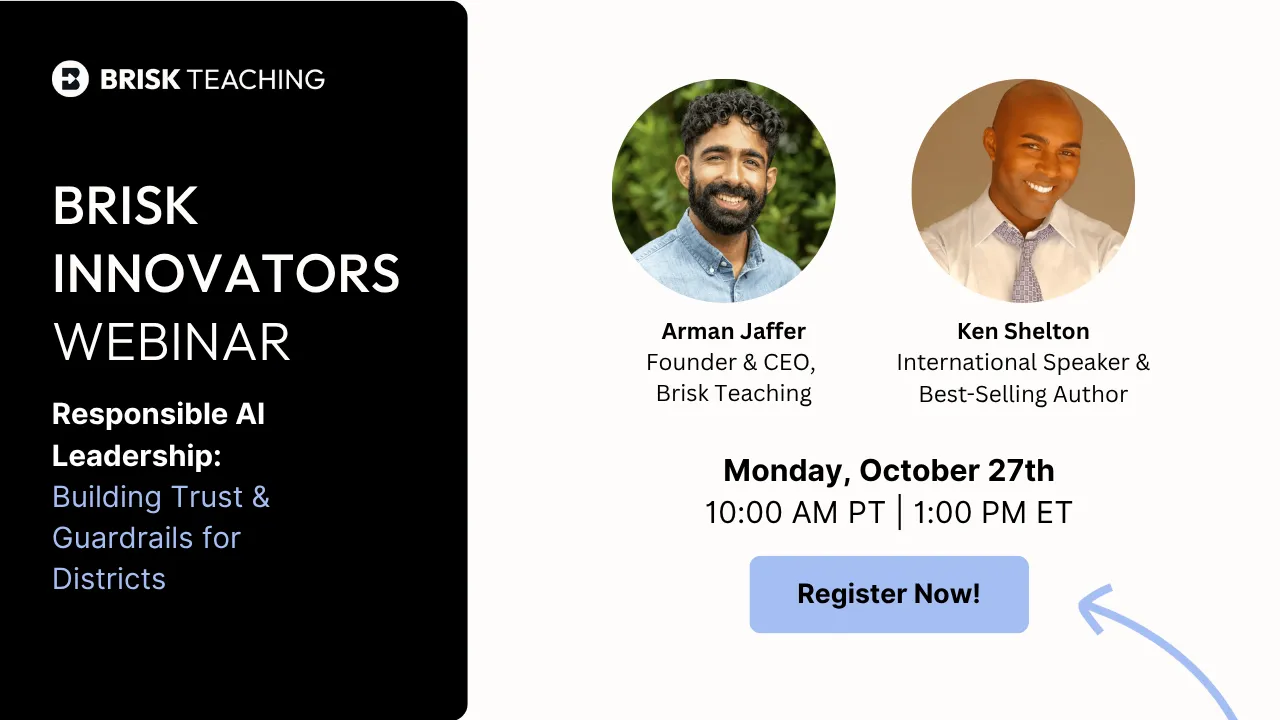
Responsible AI Leadership: Building Trust and Guardrails for Districts
Brisk webinar thumbnail with a presenter portrait

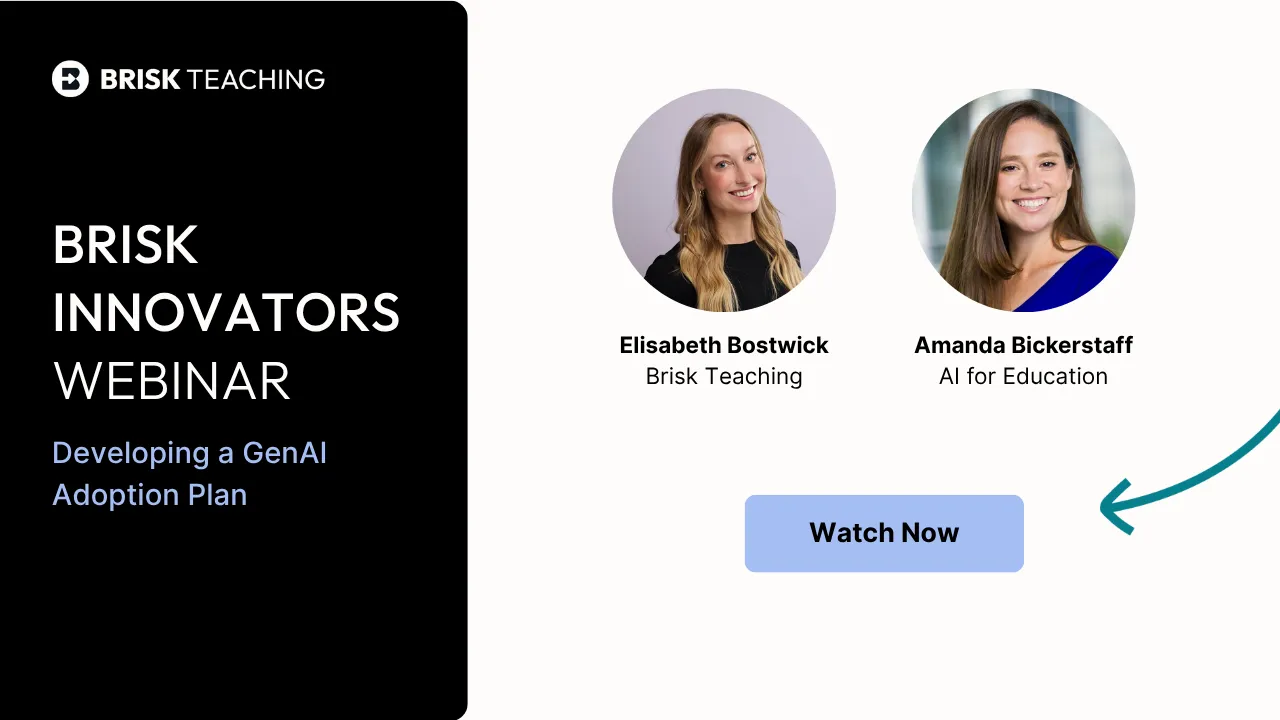
Developing a GenAI Adoption Plan: What Every District Leader Must Know

Classroom resources & inspiration

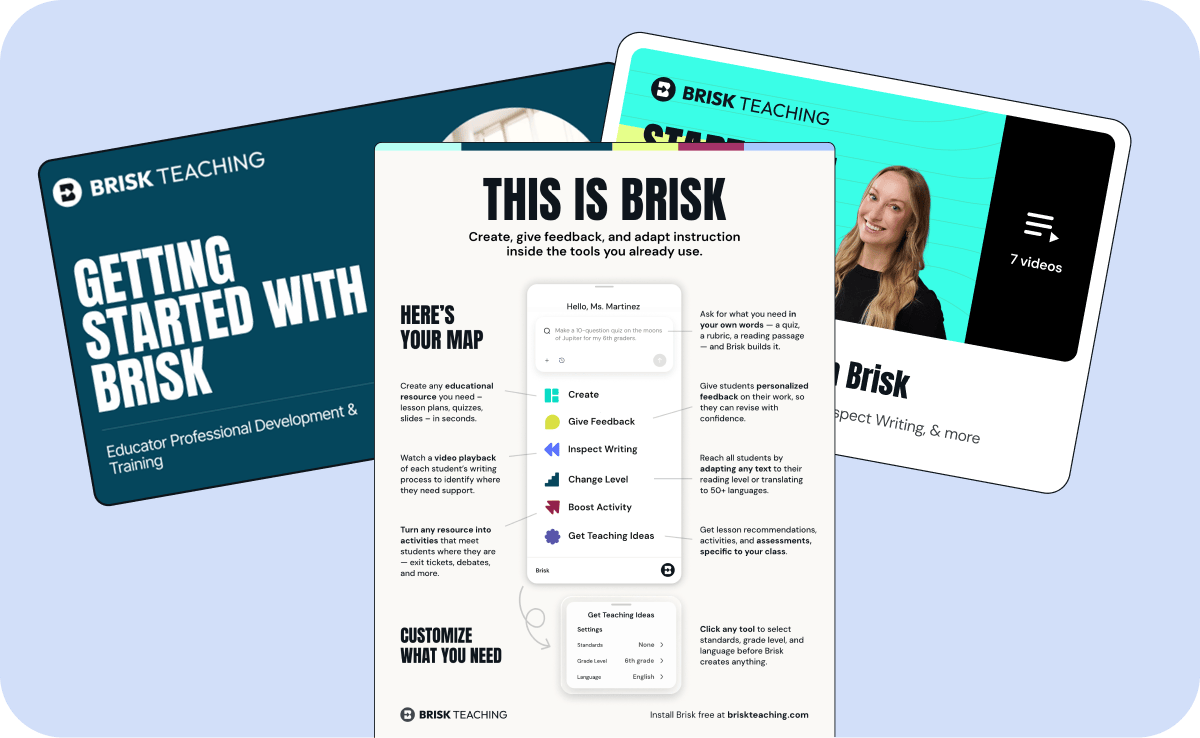
Explore printable guides and educator-focused pathways designed to support daily classroom work — from feedback to differentiation.
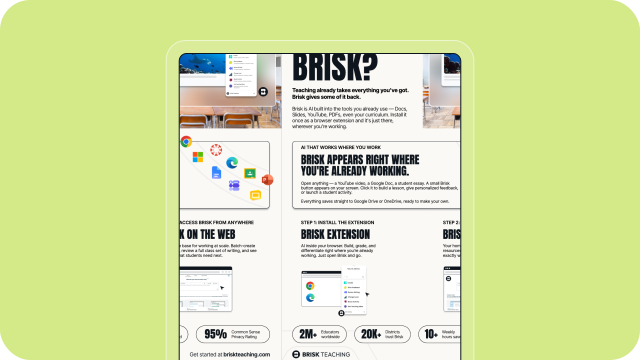
What is Brisk?

Get Started with Brisk Teaching

1000+ Ways to Brisk

Connect with Brisk

Thank you! Your submission has been received!
Oops! Something went wrong while submitting the form.

Join over 15,000+ educators in the Brisk Teaching Facebook group.