.webp)
.webp)
No more writing quizzes from scratch.
Brisk’s AI Quiz Maker turns any article, video, or resource into an auto-generated quiz in seconds. No more spending your evenings writing questions - now you can create checks for understanding in the click of a button.
Generate standards-aligned quizzes instantly from any source on the web
Customize by grade level, quiz format, number of questions, and export type
Save time while getting real insights into student comprehension
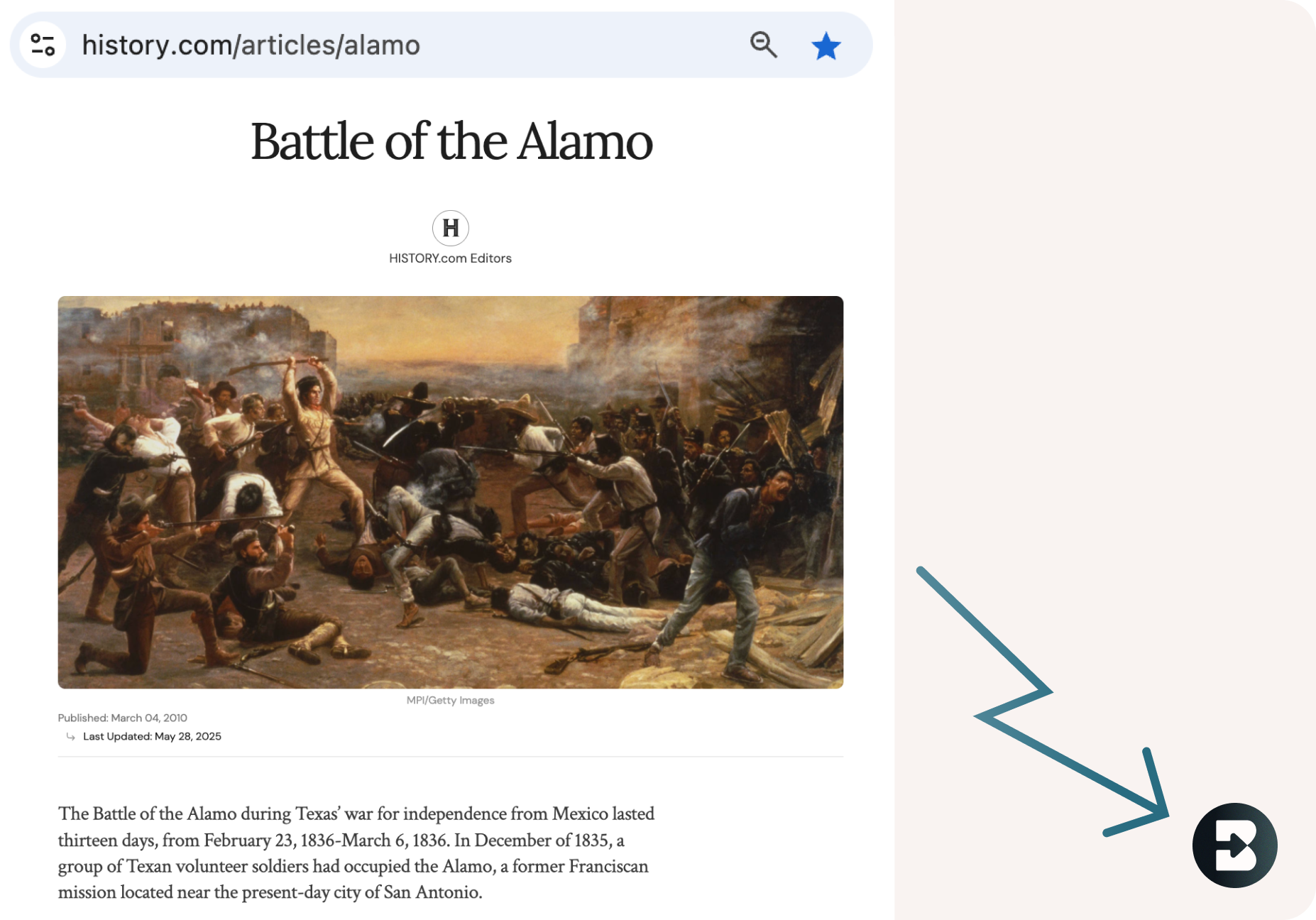
One-click access from any webpage
Brisk lives right in your browser. Highlight text or open a resource, click the Brisk icon, and generate a quiz without switching tabs or platforms.
Total control over quiz format and output
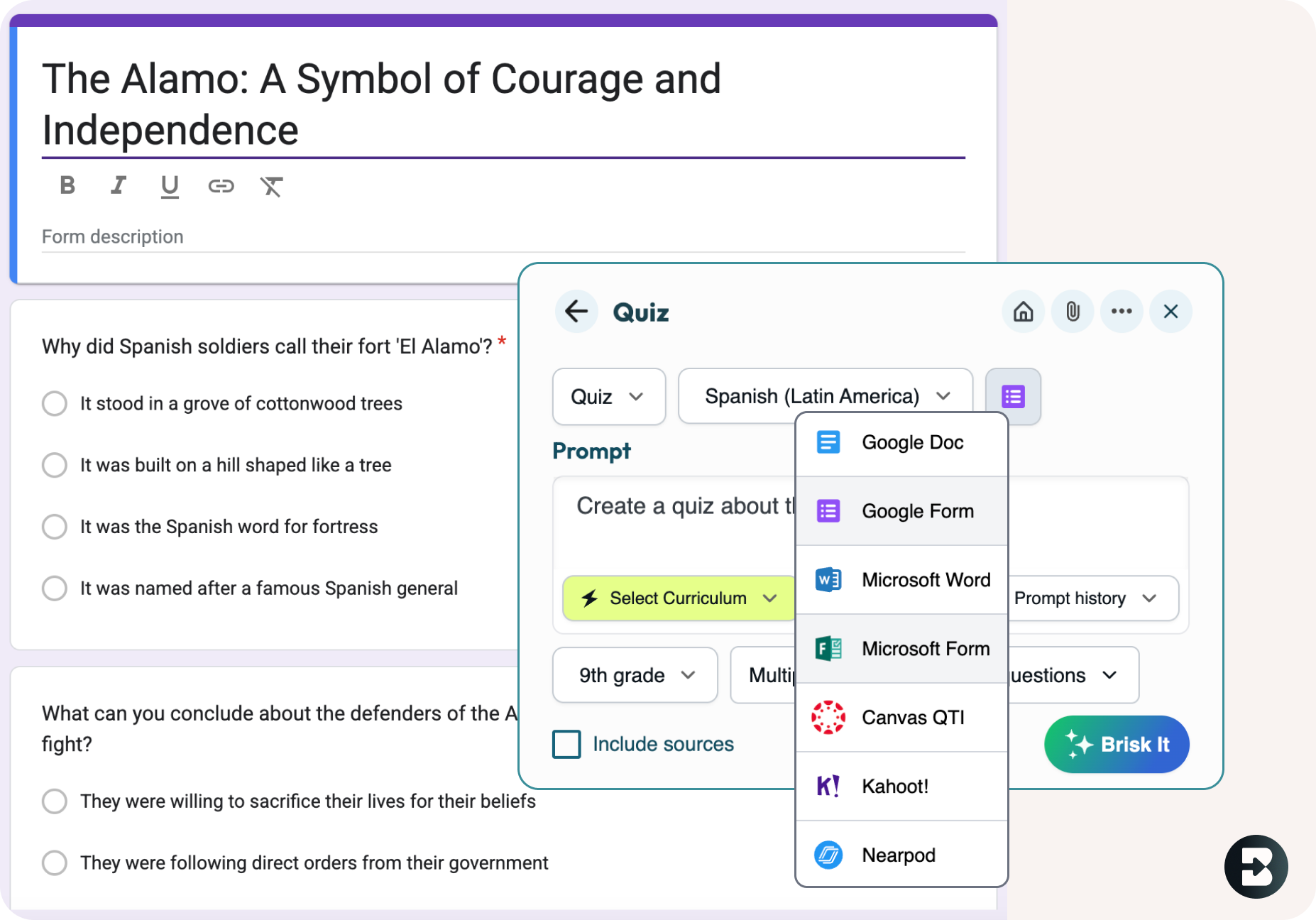
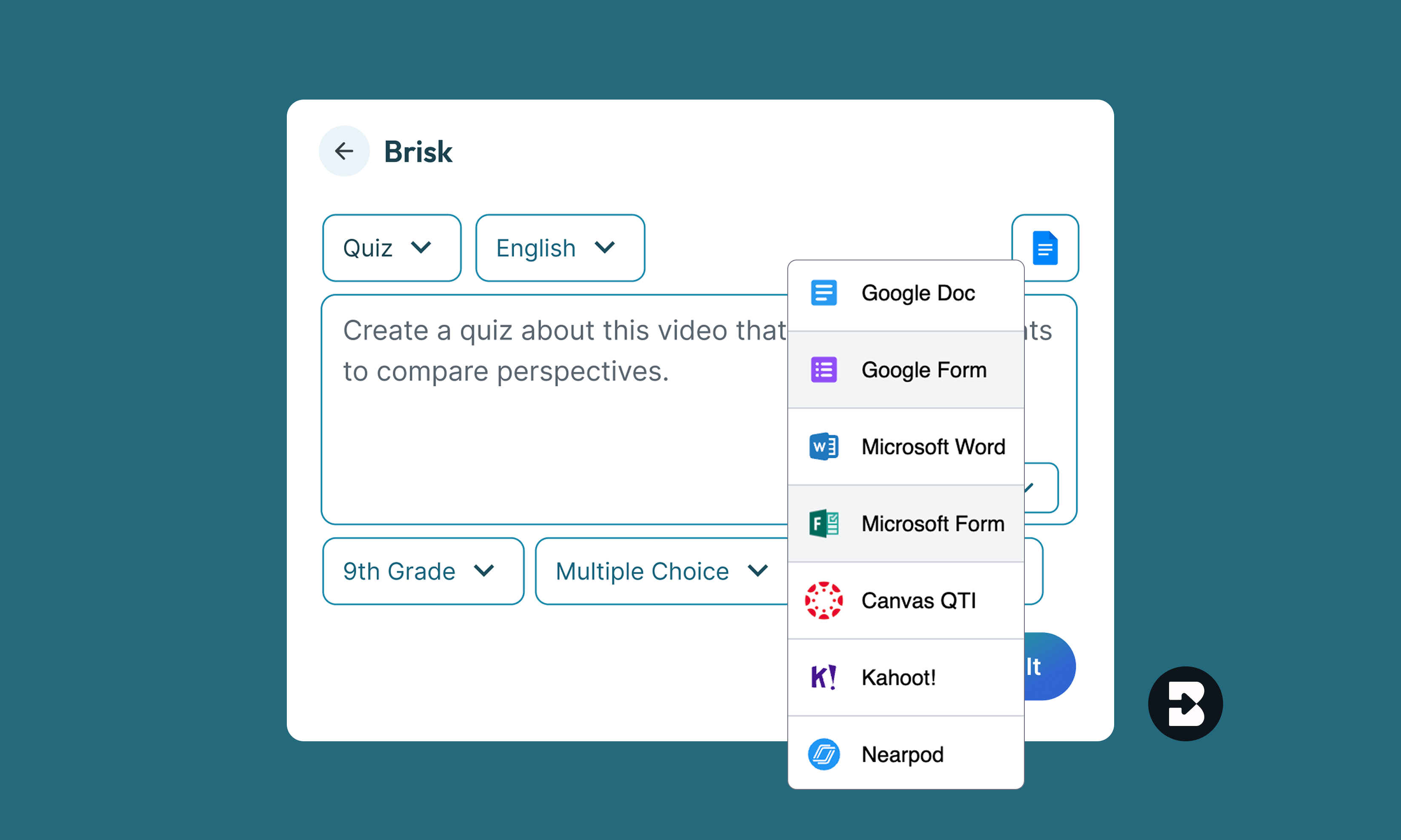
Choose grade level, question type (multiple choice, short answer, open-ended), number of questions, and how you want it delivered – Google Doc, Word Doc, Google Form, Microsoft Form, Kahoot!, or Nearpod. Canvas QTI available for Schools & Districts users.
Reuse your best prompts in seconds
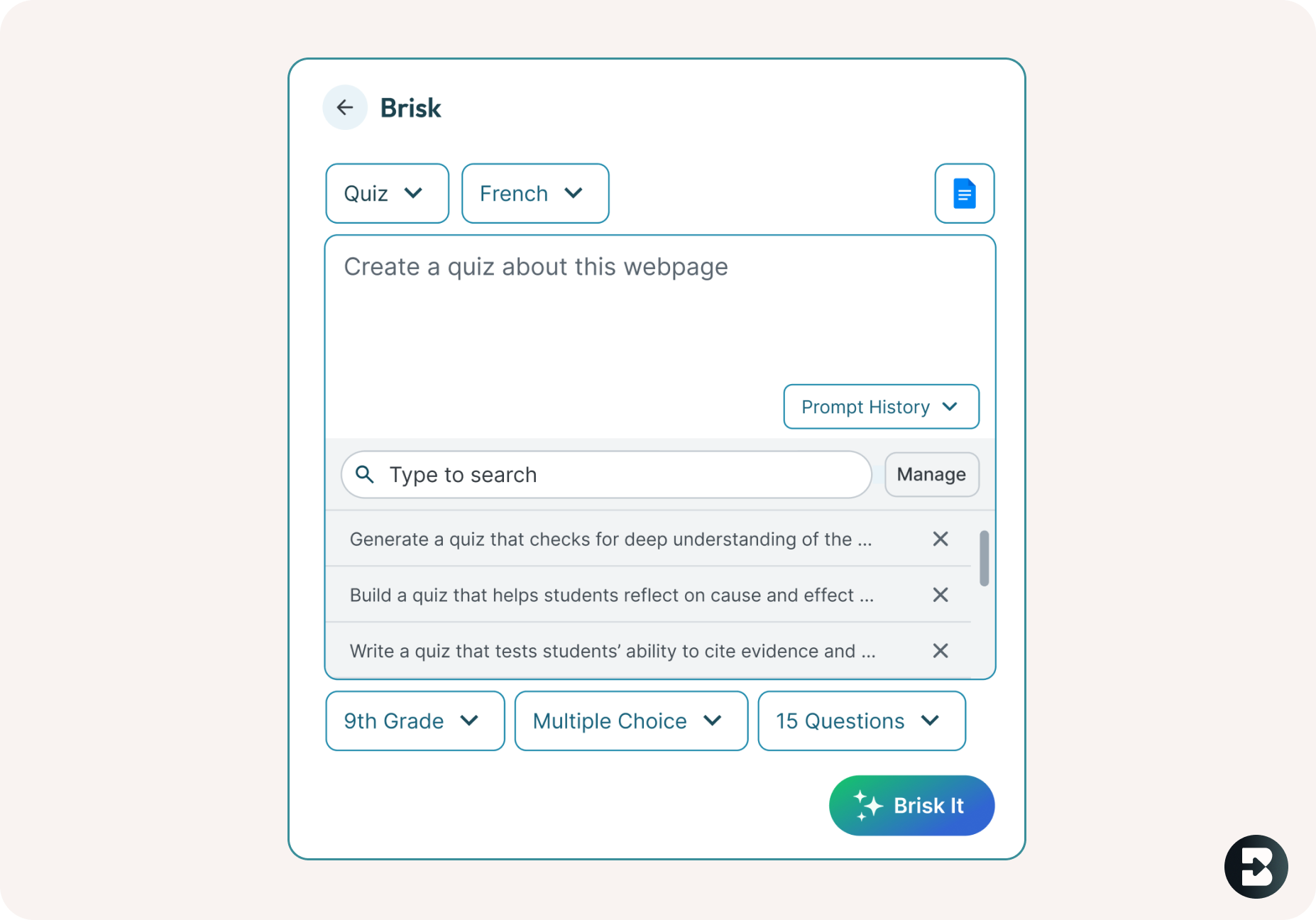
Access your prompt history to quickly re-run or tweak previous quizzes – no need to start from scratch every time.
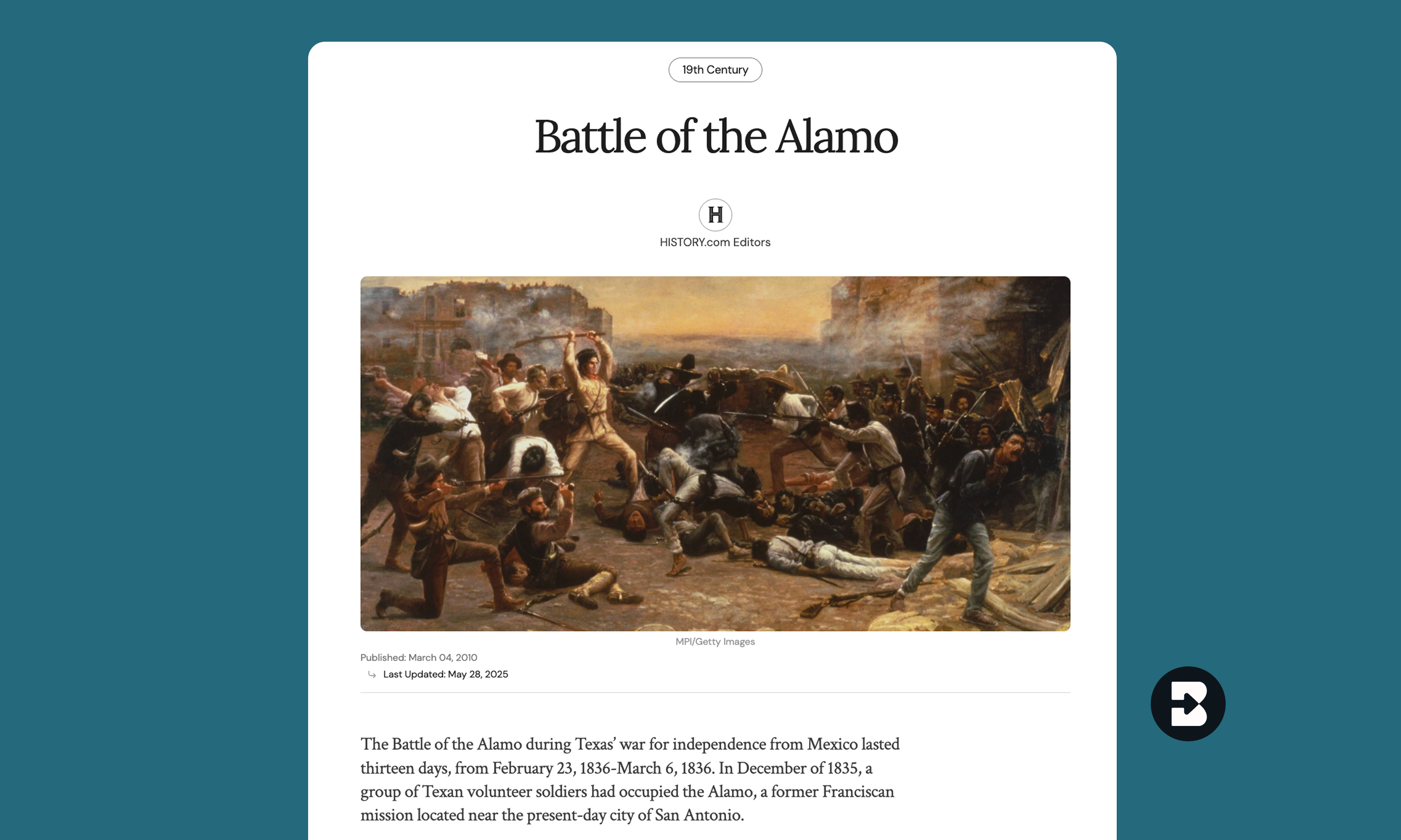
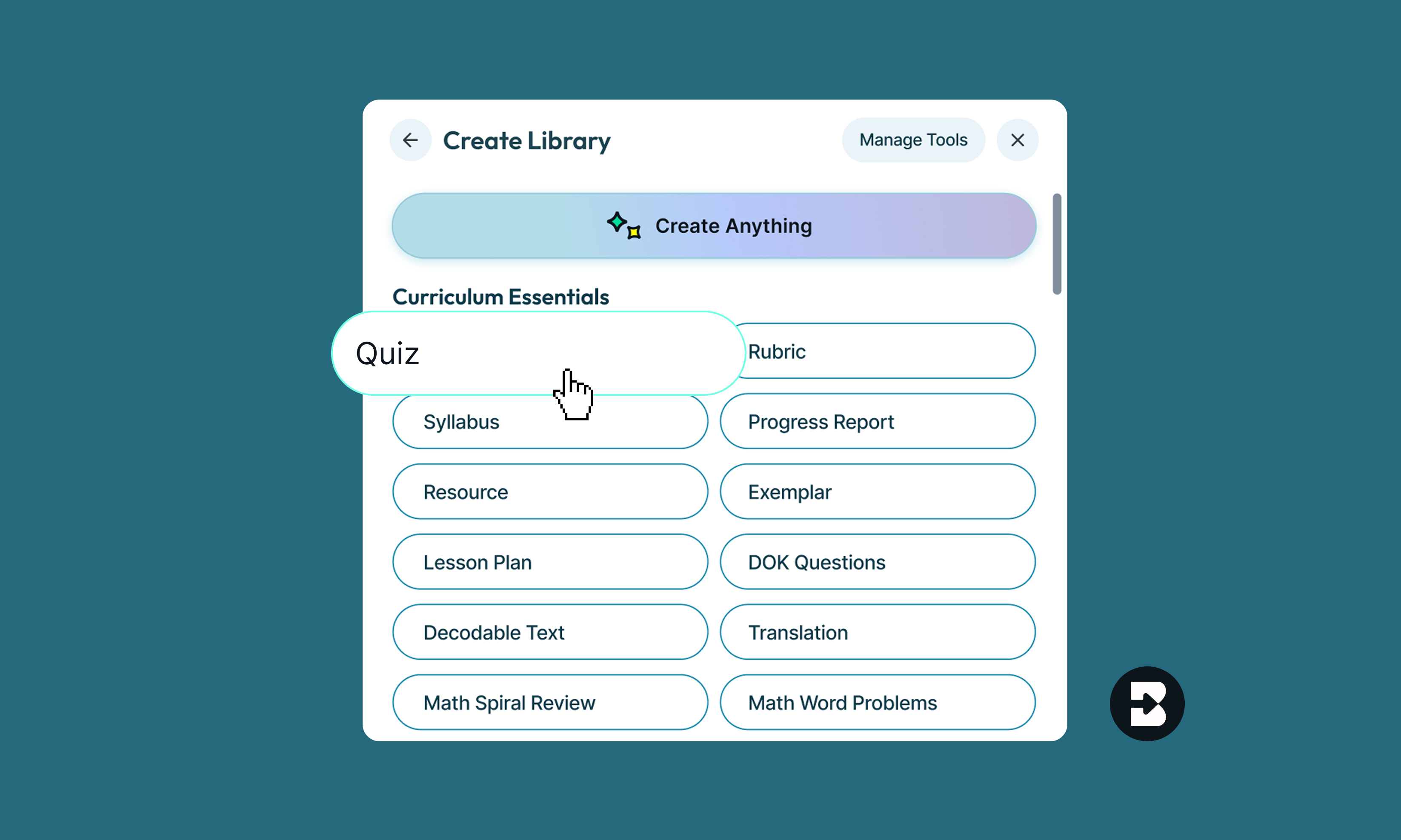
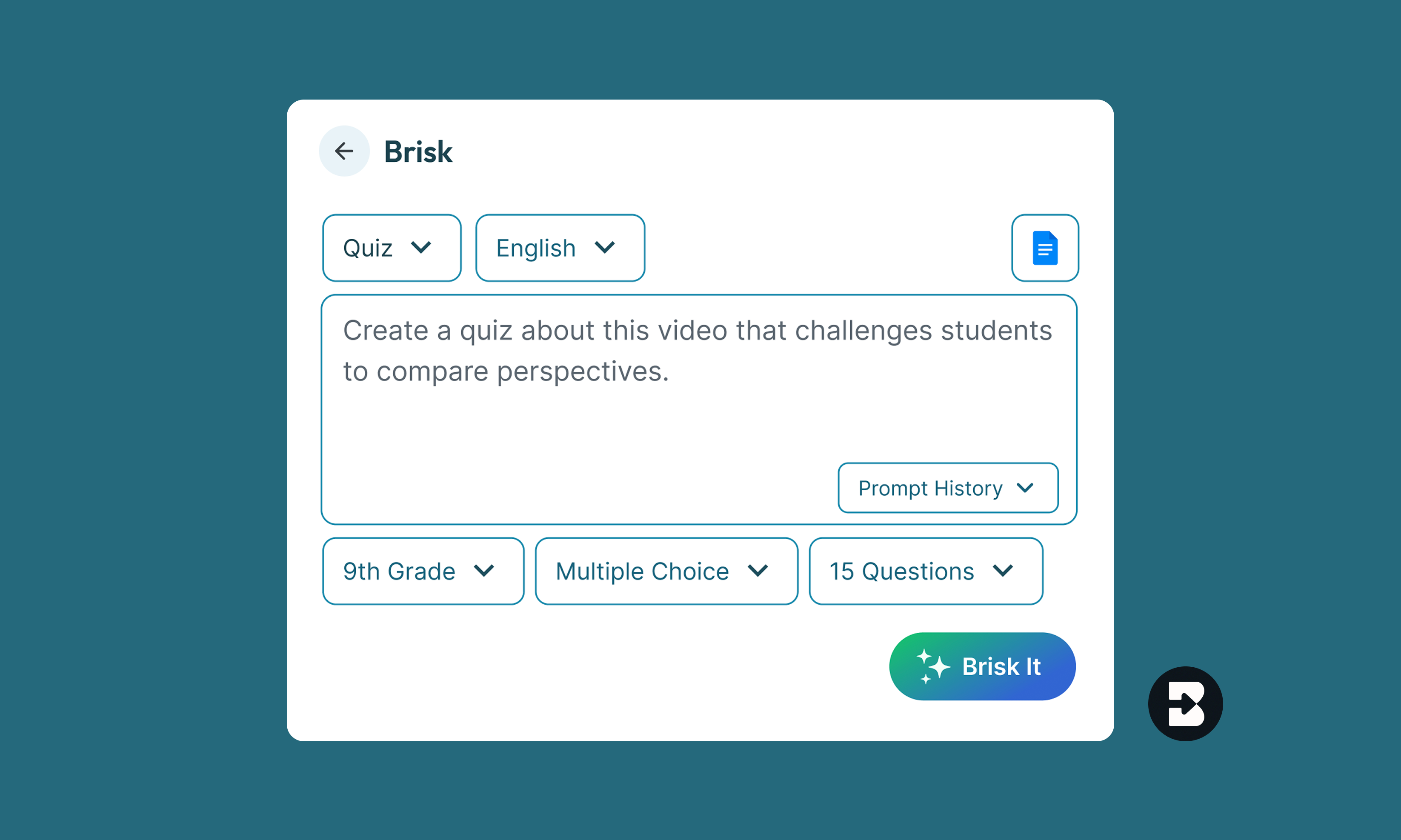
- Open any resource: Open the webpage, a PDF, or a video in your browser that you want to generate a quiz for.
- Click the Quiz Maker Button: Open Brisk, click 'Create', and then search for ‘Quiz’ under ‘Curriculum Essentials.’
- Type What You Need: Want the quiz to focus citing evidence? Identifying key themes? Include any and all instructions in your prompt.
- Define the Output Parameters: Set the grade level, question type, and desired number of questions. You can also set the output language and format.
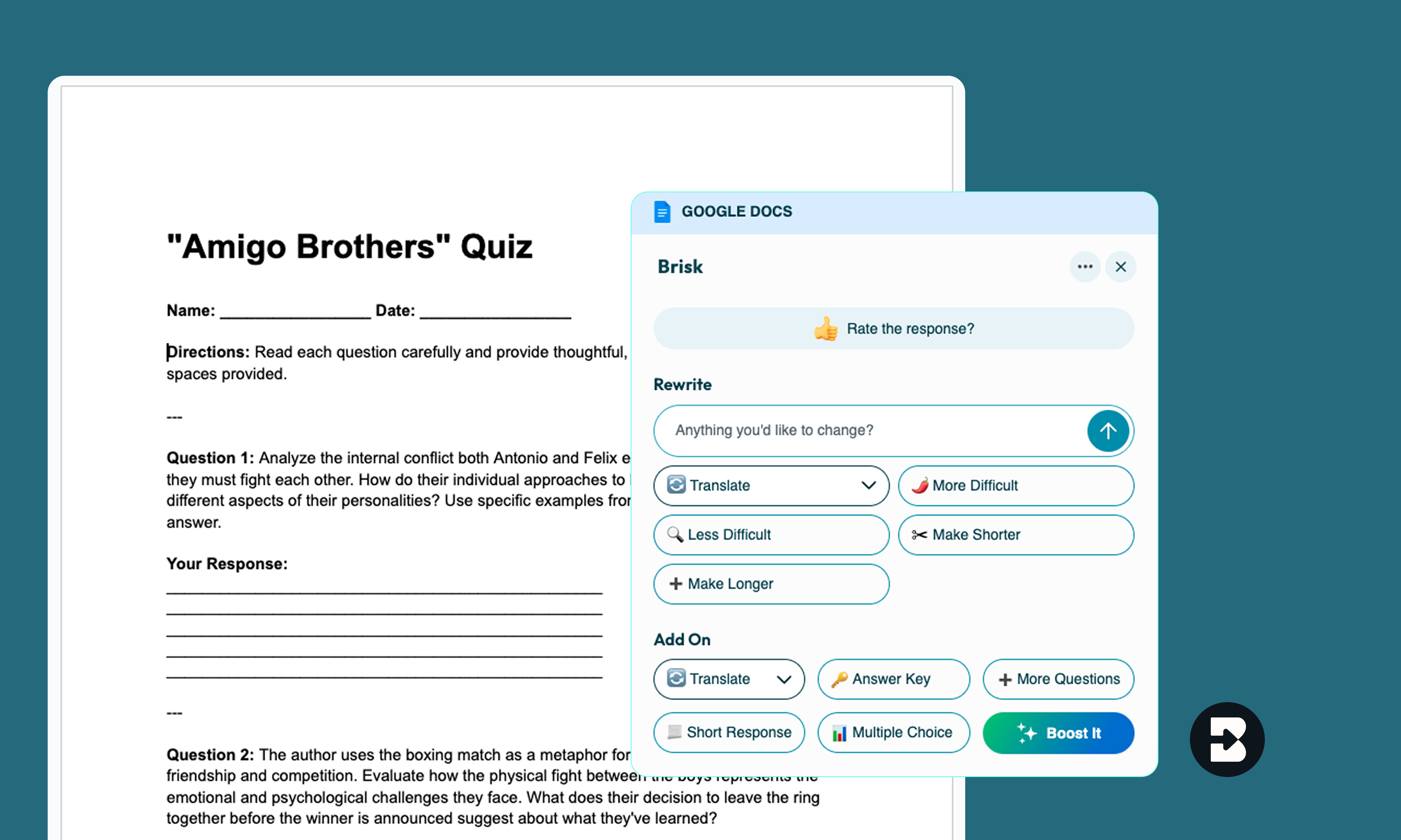
- Watch Brisk Work Its Magic: In just a few seconds, Brisk will generate a complete quiz for you.
- Customize & Refine: Want to add more questions? Need tweaks? Brisk can do that for you.
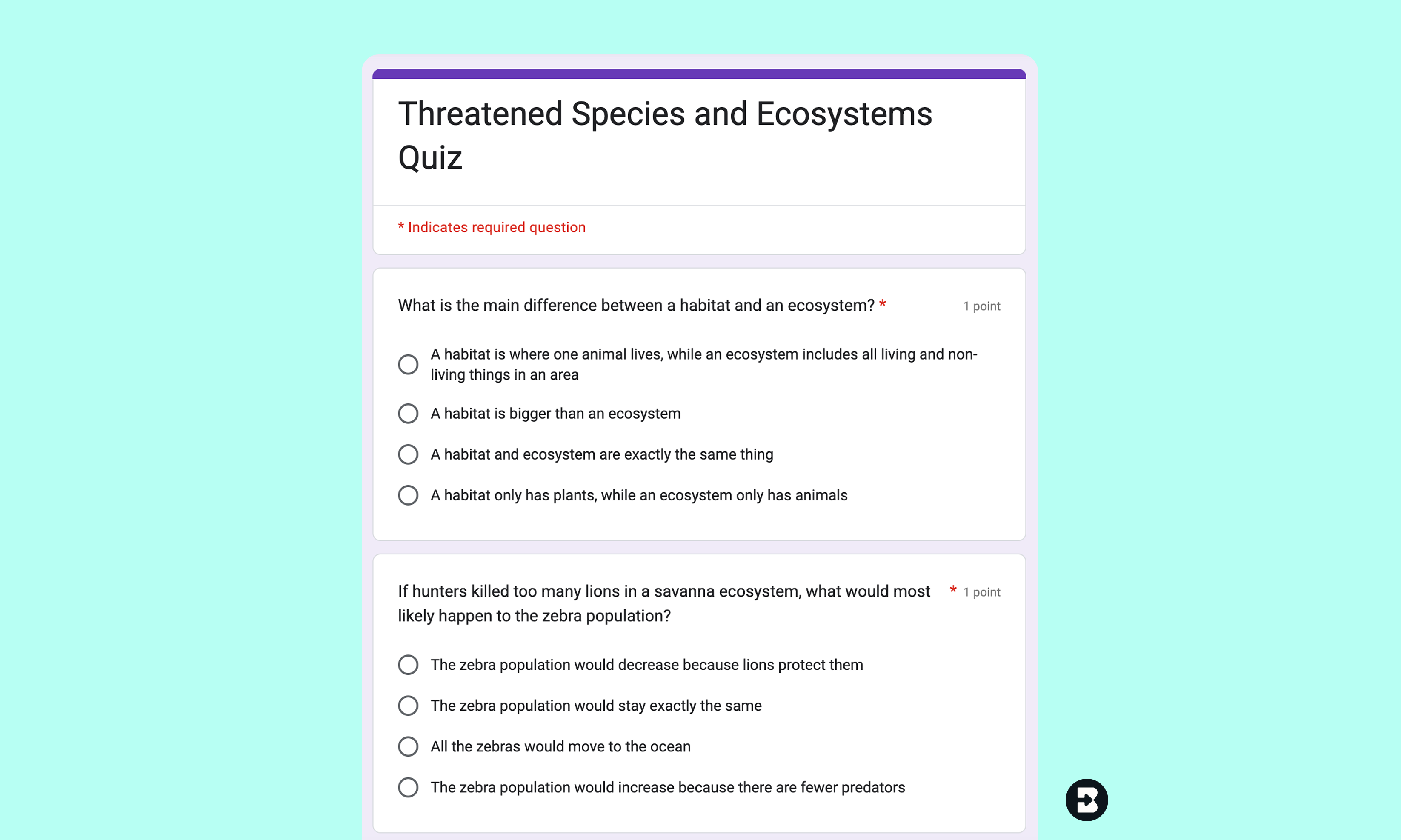
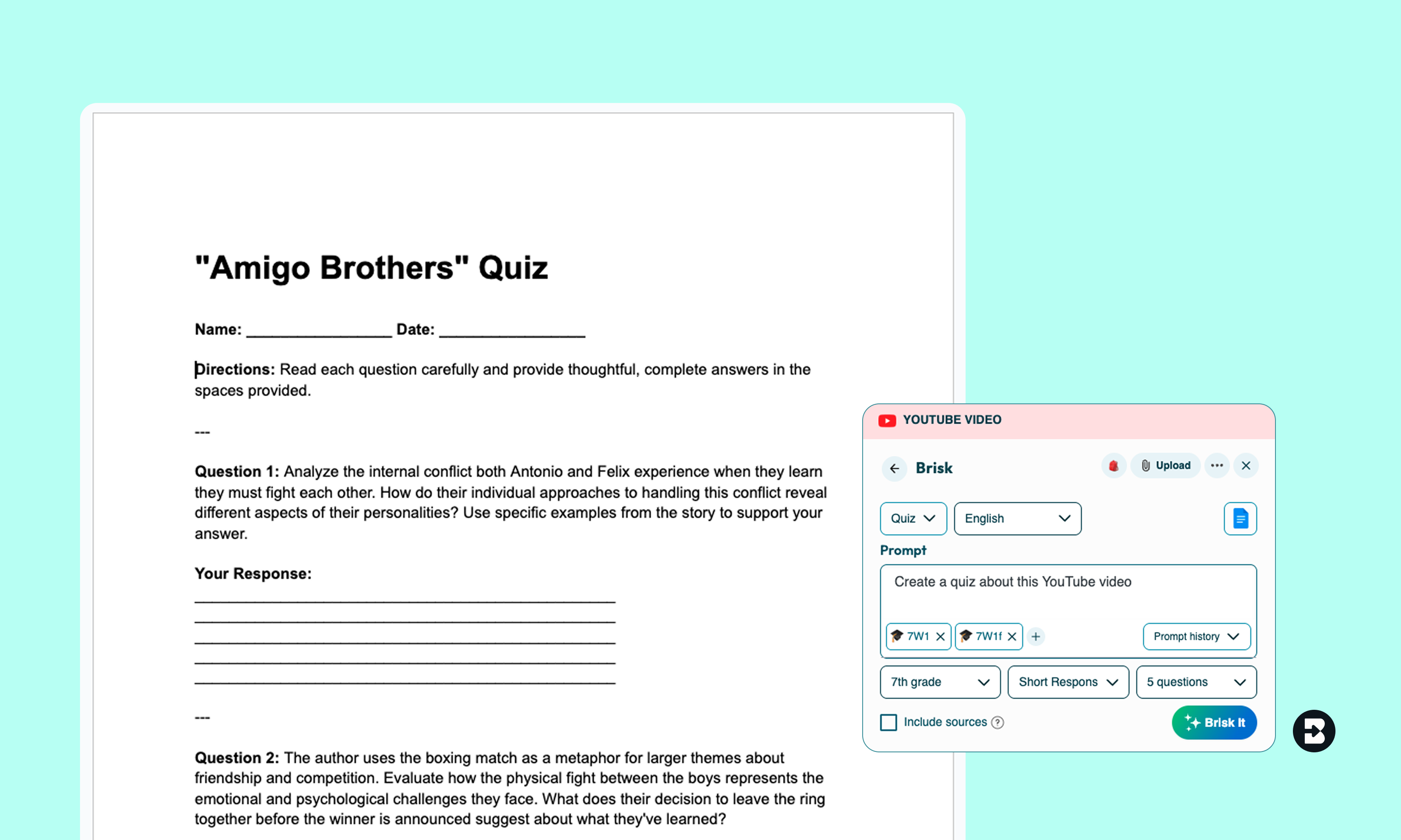
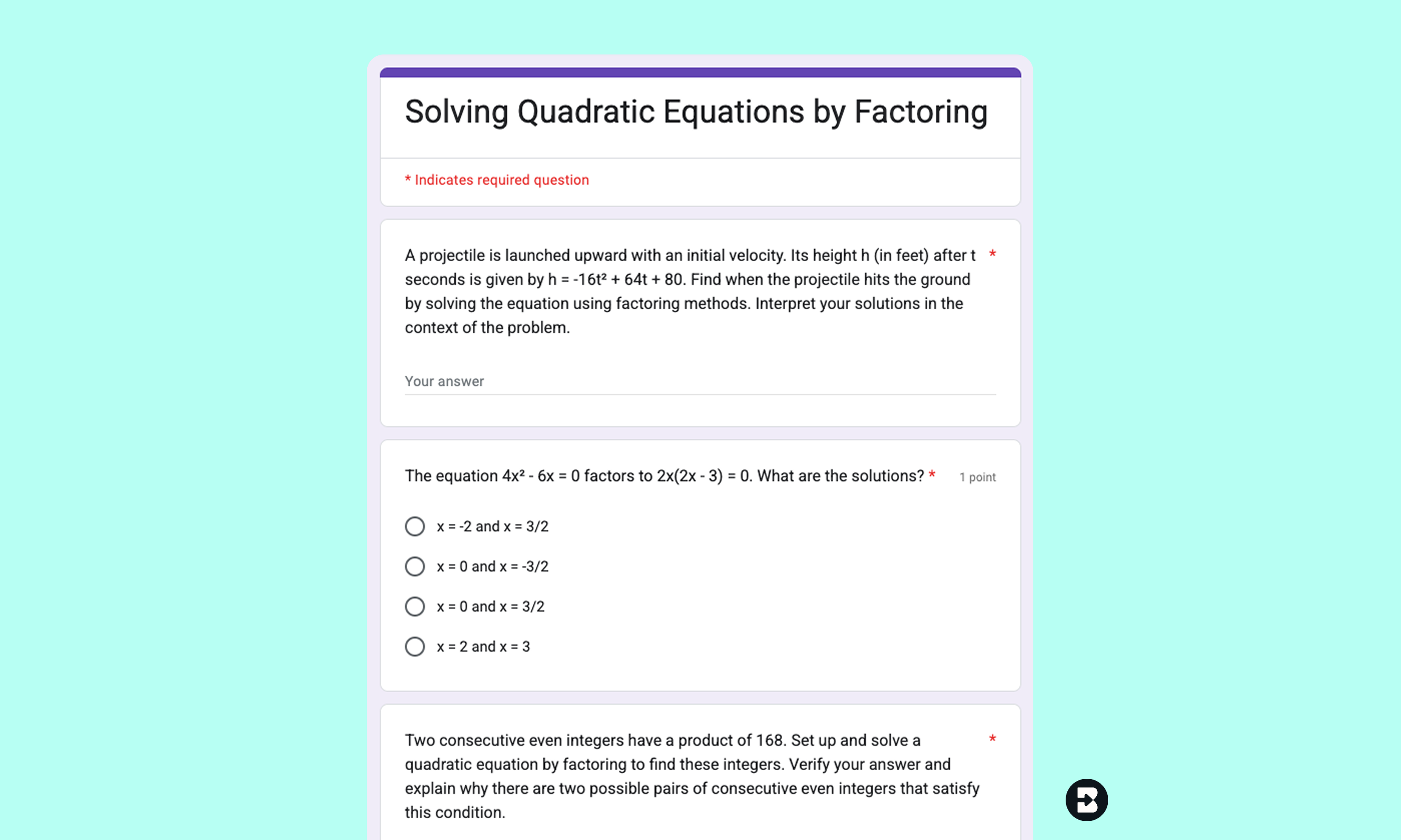
Spend less time writing and more time teaching
Brisk makes it easy to create quizzes that are tailored, targeted, and ready to use - so you can focus on what actually moves the needle for your students.
Brisk Teaching FAQ’s
What question types does Brisk's quiz generator create?
Brisk generates multiple choice, short answer, and open-ended questions. You choose the format before generating.
Can I generate a quiz from a YouTube video or article?
Yes. Brisk works directly from your browser – open any webpage, article, PDF, or YouTube video, click the Brisk icon, and generate a quiz from whatever's on screen. You don't need to copy and paste anything.
Is Brisk's quiz generator free?
Yes, Brisk’s quiz generator is totally free to use. It’s on our Educator Free plan.
How many questions can I generate at once?
You can generate up to 20 questions at one time.
Does Brisk align quiz questions to academic standards?
Yes. You can specify the standards you want the quiz to align to, and Brisk will generate questions that target those learning objectives. This works for Common Core, NGSS, state-specific standards, and more.
What languages does Brisk support for quiz generation?
Brisk supports 50+ languages for quiz output. You can generate a quiz from an English source and deliver it to students in Spanish, French, Mandarin, or any of the supported languages.
What output formats does Brisk’s Quiz Generator support?
You can create a quiz using Brisk’s Quiz Generator in the following formats:
- Google Doc
- Google Form
- Microsoft Word
- Microsoft Form
- Canvas QTI*
- Kahoot!
- Nearpod
*available for School & District plans
Have a question?
We want to hear from you! Email us at hello@briskteaching.com to get in touch.