.webp)
.webp)
Turn content into slides instantly
Brisk makes it easy to generate editable, classroom-ready presentations from any online content — no copy-pasting, no switching tools.
Works directly from the article, video, or resource you’re already viewing
Exports to Google Slides or PowerPoint with full editing access
Customize by grade level, standards, slide count, and image inclusion
Works on any webpage
Reading an article? Watching a video? Brisk opens right on the page, so you can instantly turn it into a slide deck without interrupting your workflow.
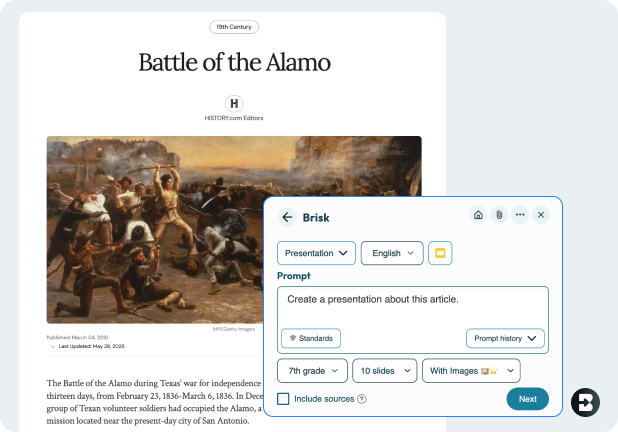

Fully customizable — you're in the driver's seat
Choose the grade level, standards, number of slides, and whether you want images. Brisk gives you control both before and after the deck is generated, so you can make sure it's totally aligned to your needs.
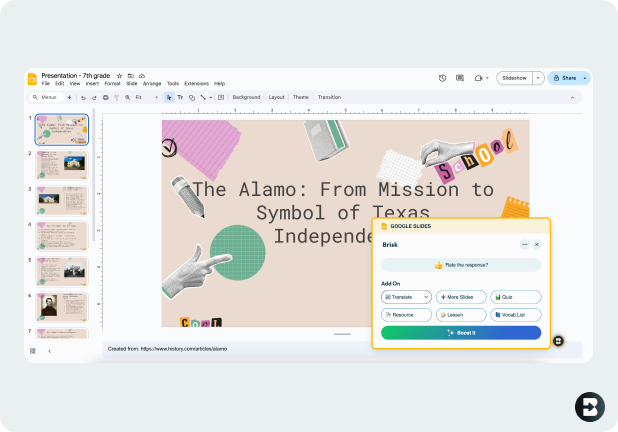
Export and edit anywhere
Once your deck is ready, open it in Google Slides or PowerPoint with one click. Everything is editable — no locked templates or formatting headaches.
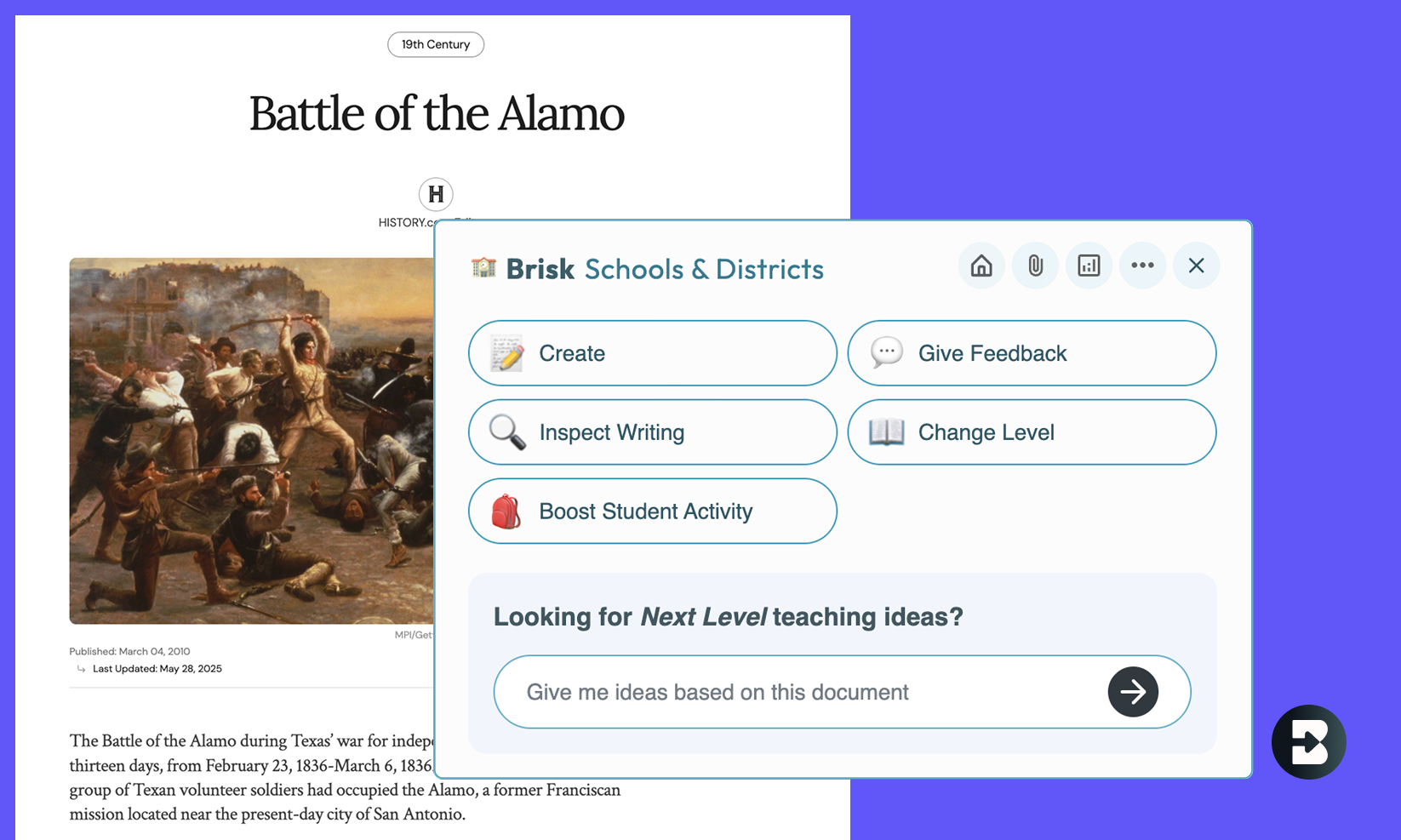
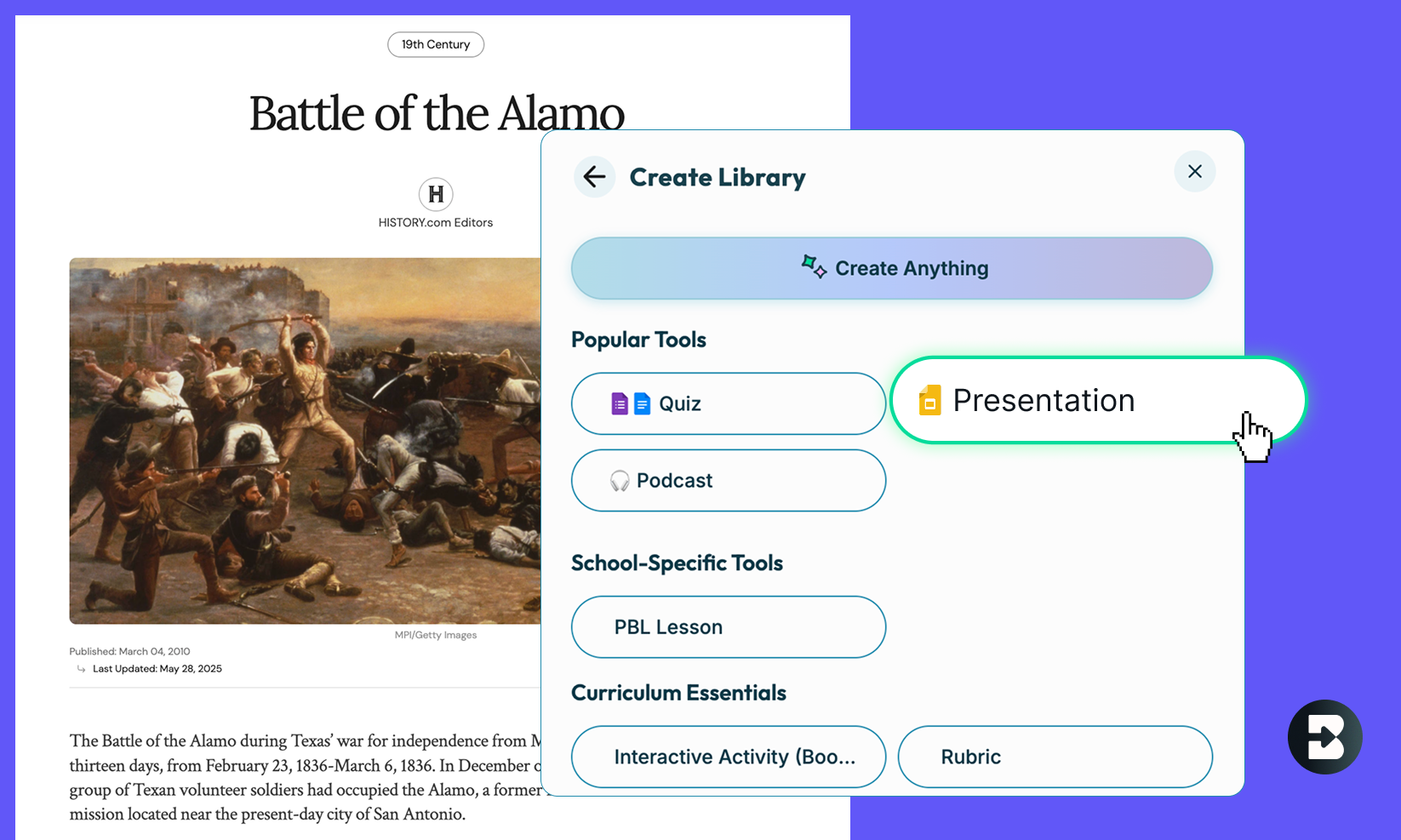
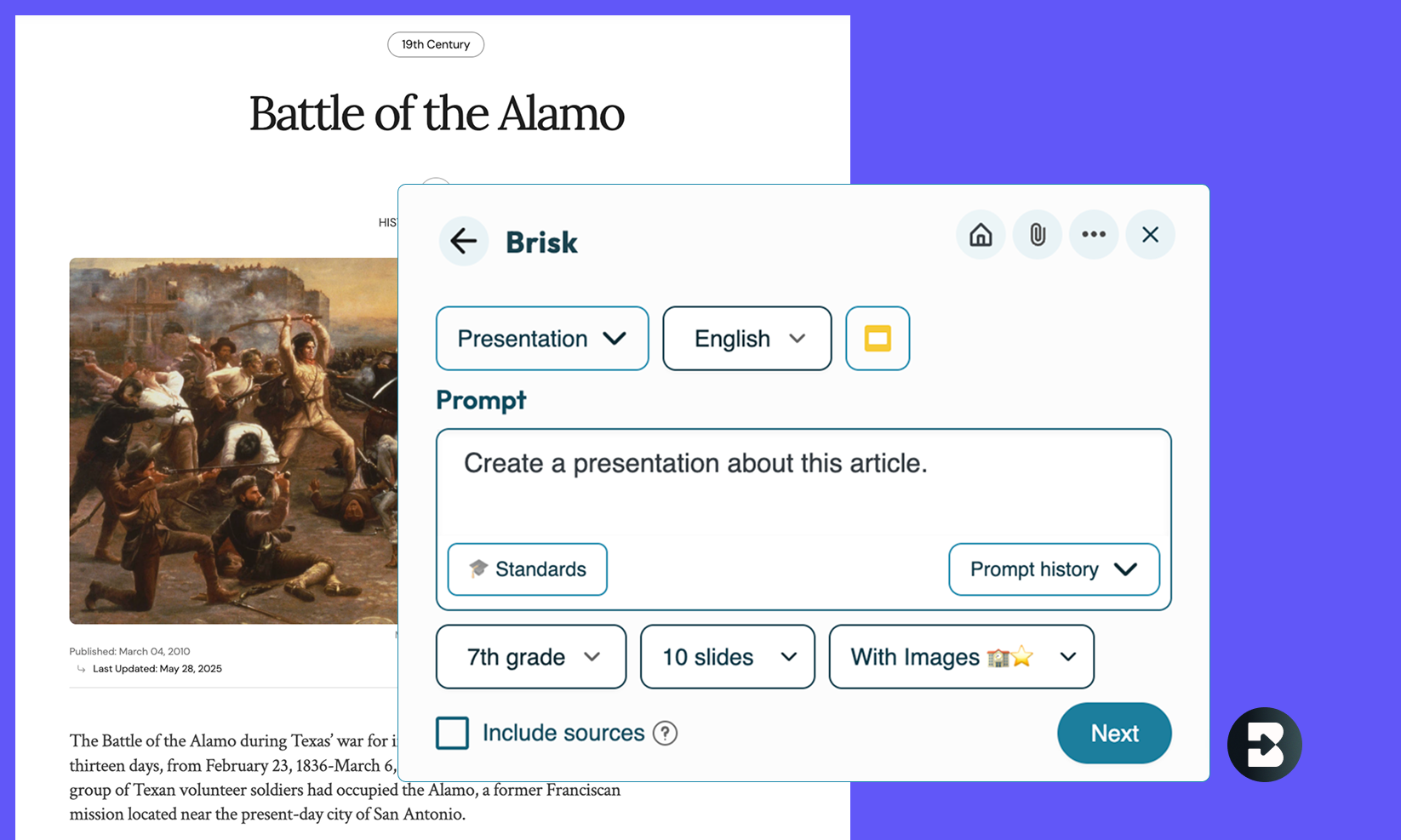

- Open any resource: Open the webpage, a PDF, or a video in your browser that you want to generate a presentation on.
- Click the Presentation Maker Button: Open Brisk, click 'Create', and then search for ‘Presentation’ under ‘Popular Tools.’
- Type What You Need: Specify what you want the presentation to focus on, or simply use Brisk's default prompt, "Create a presentation about this web page."
- Define the Output Parameters: Set the grade level, number of slides, and imagery preferences. You can also set the output language, document format, and standards.
- Select the Presentation Style: Give your slides some flair, or select "No Formatting" if you prefer a blank slate.
- Watch Brisk Work Its Magic: In just a few seconds, Brisk will generate a complete presentation for you.
- Customize & Refine: Edit the presentation freely to make sure it meets your needs.
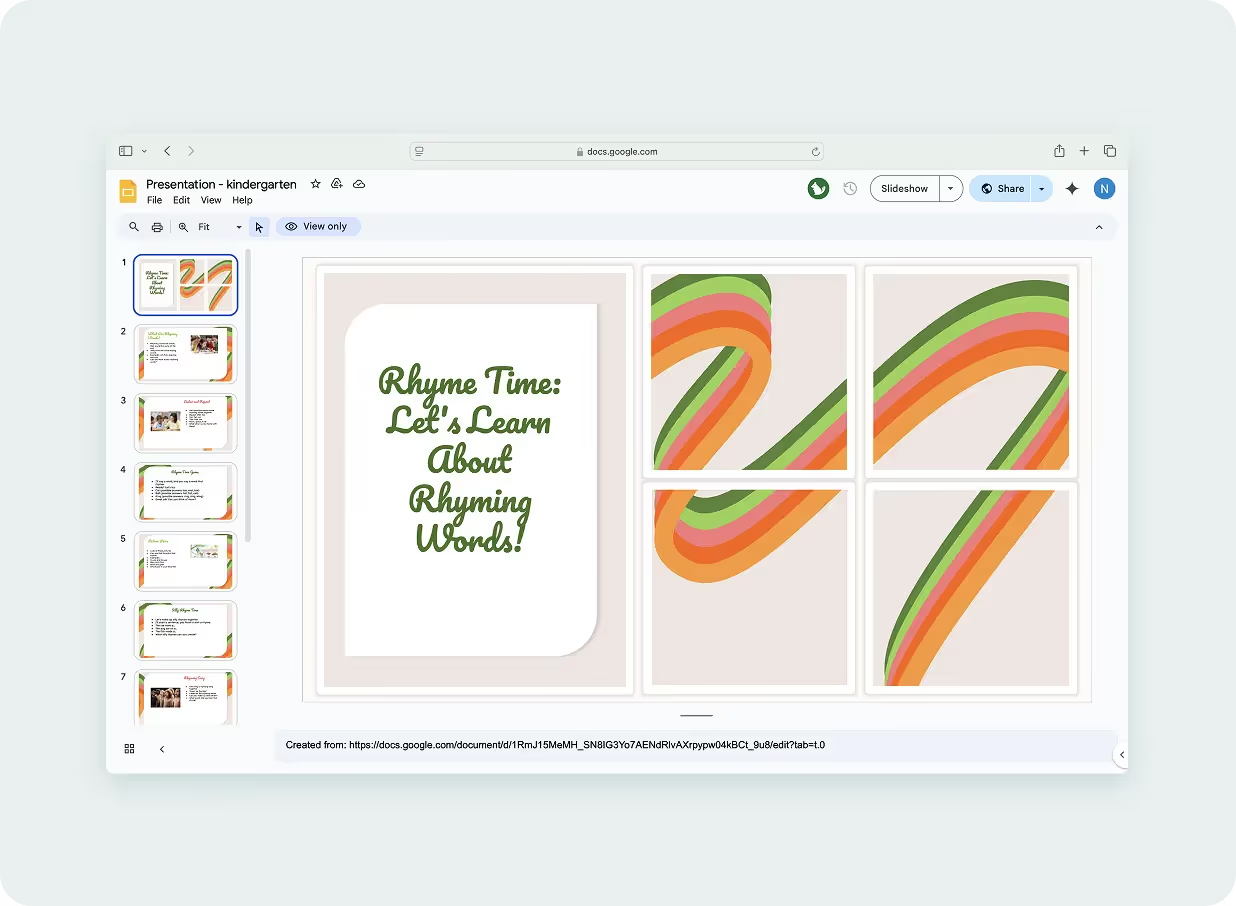
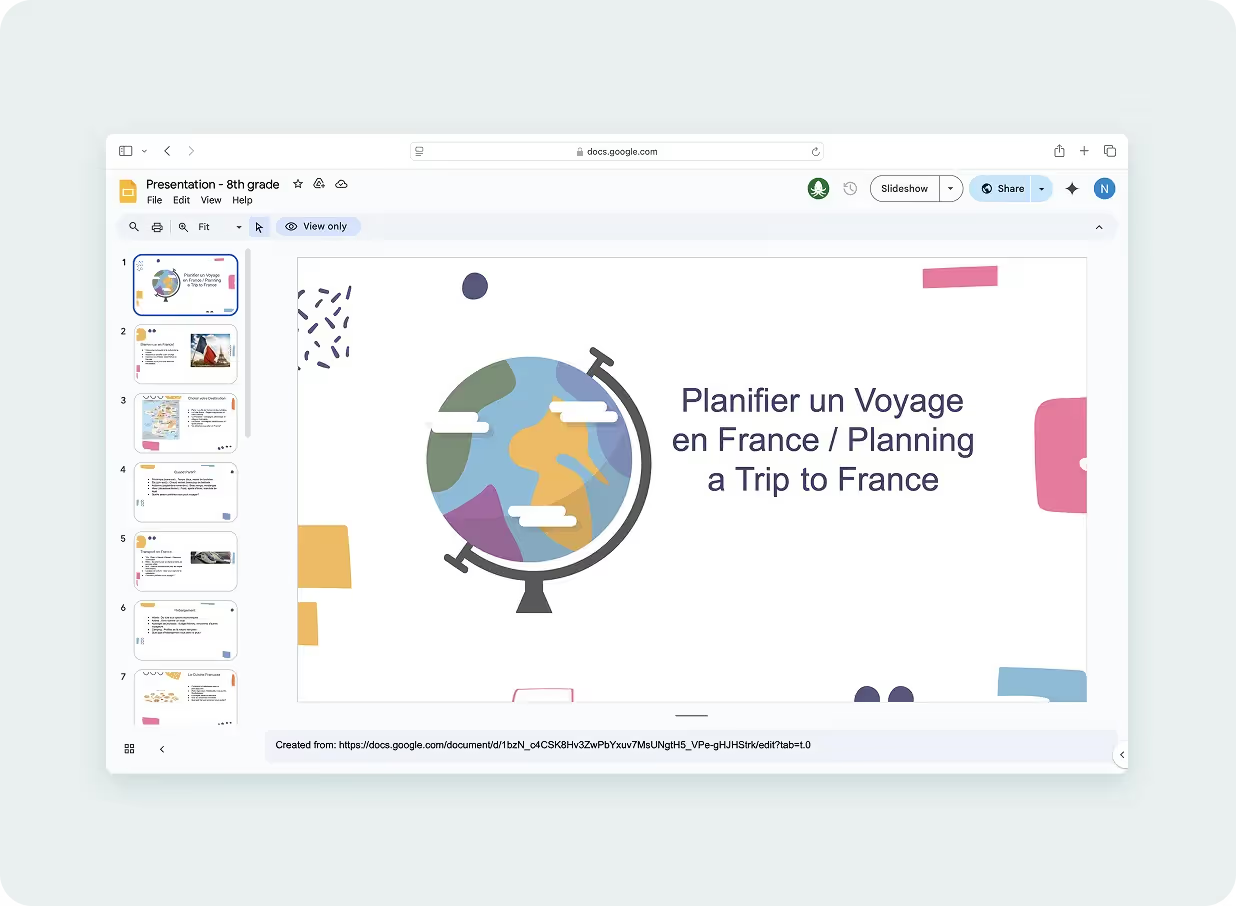
French Travel Guide Presentation
Create a presentation for students to learn how to plan a trip to France. Include information on the culture of France and key terms and phrases needed to be a successful traveler. Create the first 8 slides entirely in French and then repeat the slides in English.
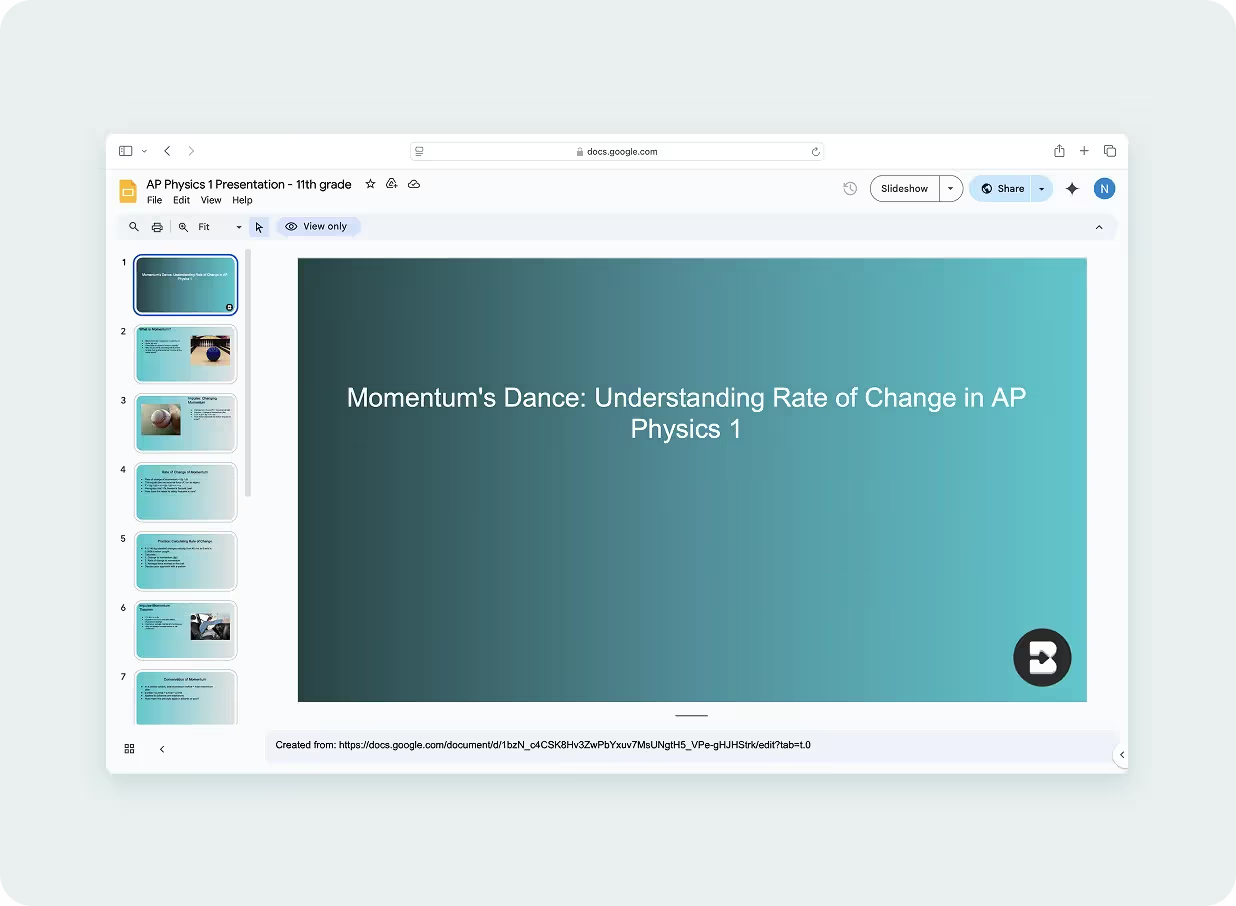
Say goodbye to tedious copy-pasting and hello to Brisk’s presentation maker.
This tool is the ultimate time-saver for educators who want to quickly create presentations without losing the content’s integrity. Just hit a button and watch as your online content is transformed into sleek, engaging slides — ready for your classroom.
Brisk Teaching FAQ’s
What can I generate a presentation from?
Anything open in your browser – a webpage, an article, a PDF, a YouTube video. Brisk reads whatever's on screen and turns it into a structured slide deck. No copying, no pasting, no switching tabs.
Does Brisk export to Google Slides?
Yes. Brisk exports directly to Google Slides and Microsoft PowerPoint, both fully editable. The deck is yours to edit and present from wherever you normally work.
How many slides does Brisk's presentation maker generate?
You can generate between 1 and 20 slides – you set the number.
Can I customize the presentation for a specific grade level?
Yes. Brisk adjusts the language, complexity, and content framing based on the grade level you specify.
Is Brisk's presentation maker free?
Yes, Brisk’s presentation maker is totally free to use. It’s on our Educator Free plan.
Can I add my own instructions to shape the presentation?
Yes! Your prompt guides Brisk. You can ask it to focus on specific themes, include discussion questions on certain slides, frame content around a particular standard, or structure the deck a specific way. The more specific your prompt, the more targeted the output.
What subjects and formats does the presentation generator work for?
All subjects! Our presentation maker works for ELA, Science, Social Studies, Math, World Languages, and beyond.
Have a question?
We want to hear from you! Email us at hello@briskteaching.com to get in touch.